Operational requirements
Appointment changes and requests for receipts or reports can add to counter workload. Each self-service function also needs an approved identity and access process.
Solution Brief
Clinic operators reviewing patient access. This solution brief outlines the requirements to review before commissioning a system.
Appointment changes and requests for receipts or reports can add to counter workload. Each self-service function also needs an approved identity and access process.
The proposed scope can include booking, rescheduling and access to authorised documents through an existing clinic-system interface. Clinical records need explicit release and access rules.
Review the number of requests resolved through the app, failed account verifications and staff follow-up time. Patient access and data-handling checks remain part of acceptance.
Review the wider scope, integration considerations and delivery approach for this type of system.
Clinic Management & Patient PortalsA patient app needs clear access, recovery and communication rules. Review the proposed workflow with the clinic before choosing which records appear on a phone.
Decide how patient identity is established and recovered after a lost device or changed contact details. Define when another authentication step is required.
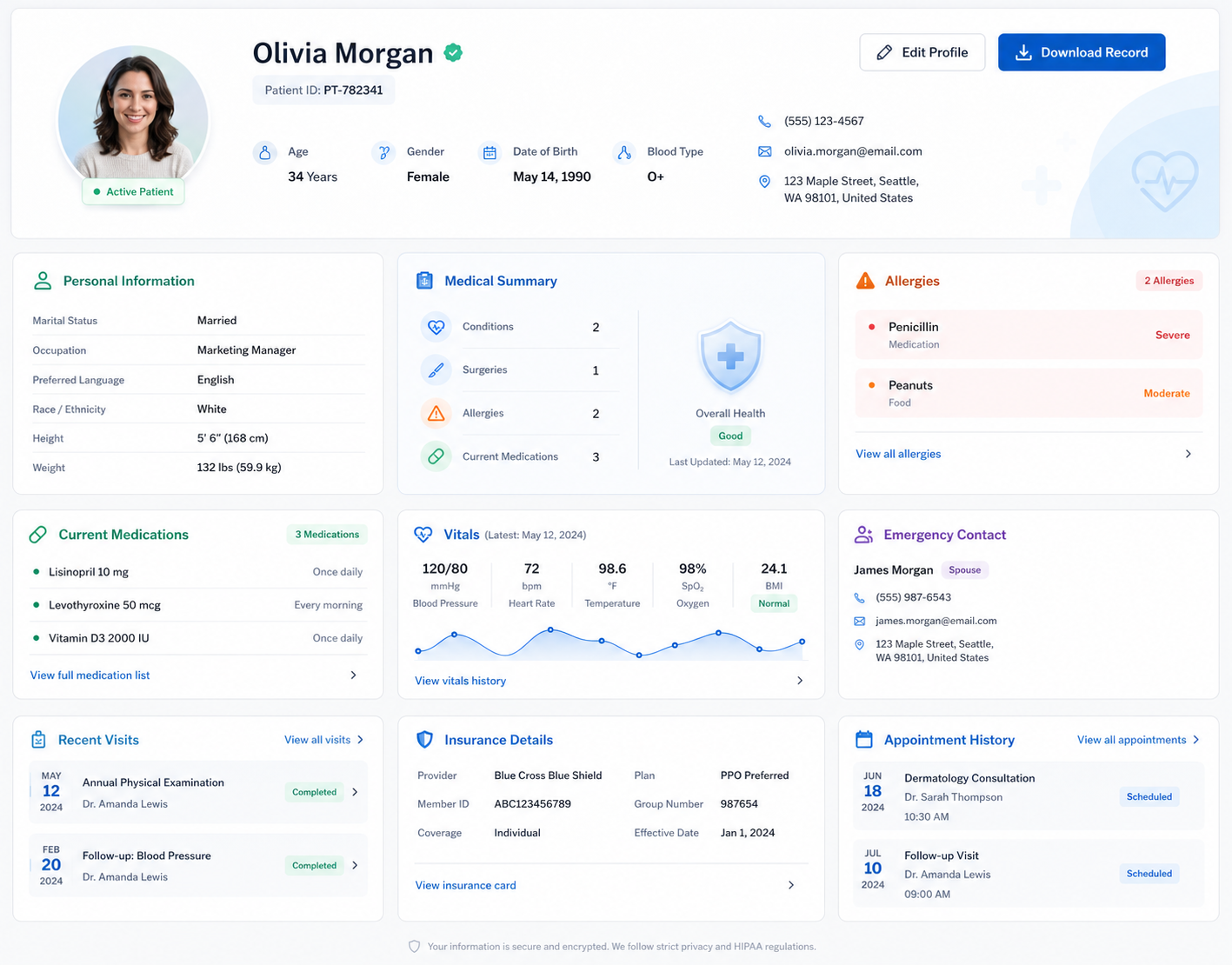
Show confirmed appointment states and distinguish information entered by patients from information supplied by the clinic. Agree a correction-request process.
Define the minimum information needed in reminders and what should only appear after sign-in. Test revoked access and changes made while a device was offline.
A patient app is installed on a phone and can use supported device features, while a web portal opens in a browser. Both may support appointment and account tasks. The choice depends on how often patients will use the service and which functions they actually need.
It can where the clinic software provides suitable integration access. We check how appointments, patient identifiers and approved records are exchanged. The clinic must decide which information patients may view and when it can be released.
Multiple branches can be included, with their own appointment availability and staff permissions. We need to establish whether patient accounts and records are shared across branches. The app should make the selected location clear before a patient confirms a booking.
Appointment reminders can prompt patients to open the app without exposing sensitive details on a lock screen. The clinic should approve notification wording and the records shown after sign-in. Delivery can depend on device settings, so important instructions should remain available inside the app.
A change needs confirmation from the system that controls appointment availability. Show the accepted date, branch and practitioner where applicable, and distinguish a pending request from a confirmed change. The clinic should define the fallback contact route if the app cannot complete the request.