01
Custom Business Systems
Forms, approval rules and exceptions mapped to the people responsible for each task.
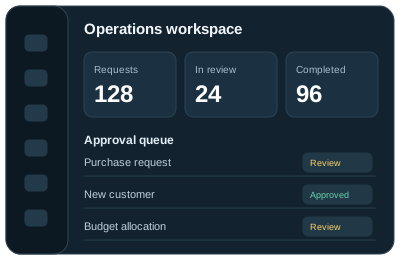
Business systems built around your workflows, your people and the decisions they need to make.

Forms, approval rules and exceptions mapped to the people responsible for each task.
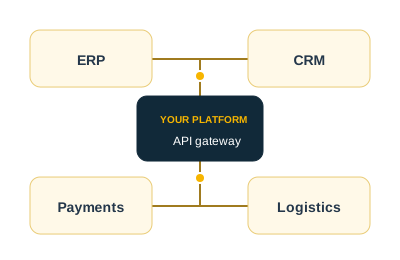
Connect records across your ERP, CRM and other systems through supported interfaces.
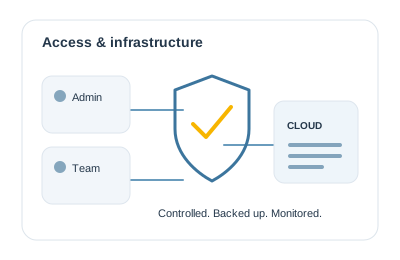
Plan access, traffic, backups and security checks before choosing the architecture.
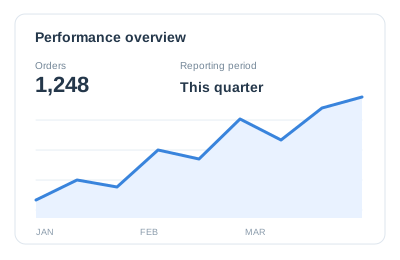
Reports with agreed definitions, useful filters and exports for further analysis.
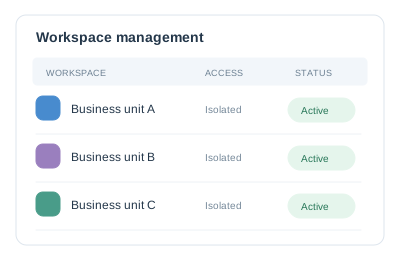
Separate customer or business-unit data and permissions within a shared platform.
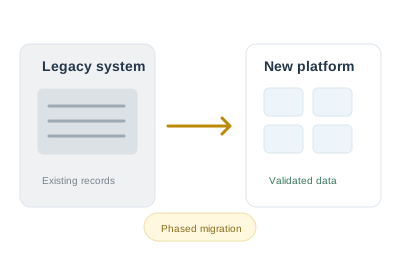
Preserve business rules and plan data migration, testing and a controlled changeover.
Agree process owners, approval rules and acceptance criteria before development begins.
Define who may view, edit, approve and export each record.
Match hosting to expected traffic, availability and budget.
Agree validation, backups, monitoring and recovery checks.

Document workflows, dependencies and the decisions needed to agree scope.
Review screen flows with the people who will use the application.
Build agreed functions and review progress against the delivery plan.
Test business rules, permissions, failure cases and performance.
Plan migration, training, release responsibilities and ongoing support.
See how business applications bring records, responsibilities and reporting into one place.
Explore Our Web App WorkAn illustrative first release follows one request from submission to a recorded decision. Define the workflow with its users before expanding it to other departments.
A requester enters the purchase details and an approver checks them. Agree required fields, approval limits and who can see each request or return it for correction.
Decide what happens when an approver is unavailable, a request exceeds a limit or the same purchase is submitted twice. Keep a history of decisions and changes.
Test submission, correction, rejection and approval with each role. Agree the reports and notifications included; treat supplier portals and accounting connections as separate scope unless explicitly included.
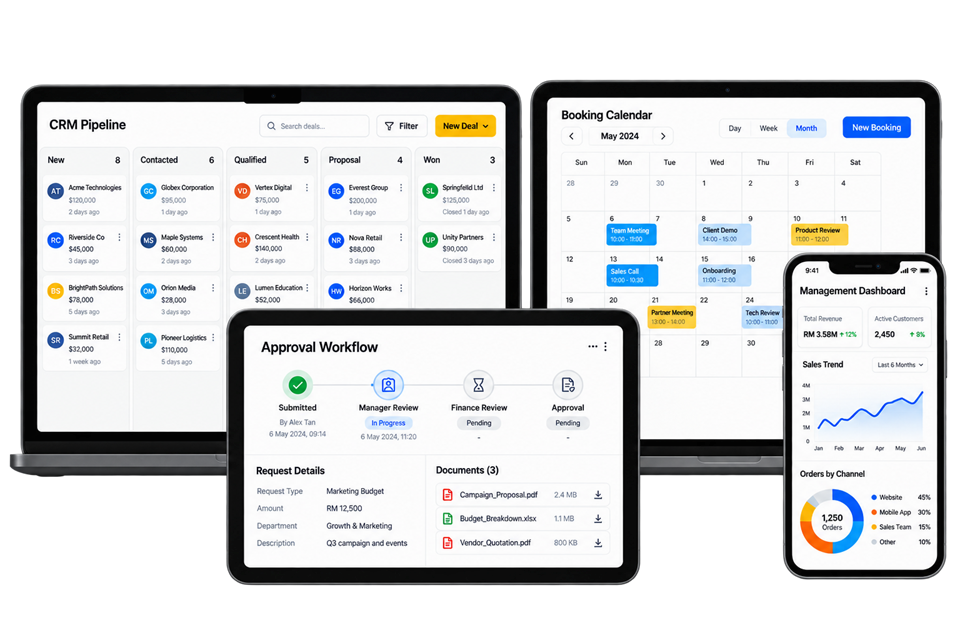
UNO builds browser-based business systems such as customer portals, booking systems, CRM dashboards, approval workflows and reporting tools. Each application is built around the users, records and business rules it needs to support.
A custom application is worth considering when standard software cannot handle an important part of your process, or staff spend too much time moving data between systems. Start with the cost of the current problem and compare it with adapting an existing product before commissioning a build.
The main cost drivers are the number of workflows, user permissions, integrations, reports and records to migrate. A single approval process needs less work than a platform covering several departments. UNO reviews these requirements before quoting, including testing and rollout.
Yes, where the existing software provides a suitable API or supported data exchange. We review its version, documentation and access permissions first. The integration plan then defines which system owns each record, how updates move and what happens when a transfer fails.
The schedule depends on the agreed workflows, integration access and data migration. Design approval and testing by your own team also affect the launch date. We plan these steps before committing to delivery dates and can discuss a smaller first release where that helps.
Source code ownership, licences and account access are set out in the project contract. Ask for the handover to cover code, documentation, hosting and third-party accounts. Confirm these terms before development starts, especially if another team will maintain the application.
Yes. Start with the spreadsheets, formulas and approval steps your team uses today. The migration needs agreed field definitions, duplicate checks and a trial import. Reports from the new application should be compared with known results before staff stop using the old files.
Test complete tasks with each user role: submit a request, reject it, correct it and approve it. Include missing data, duplicate submissions and unavailable integrations. Name the staff who can accept each workflow and record unresolved issues before agreeing the launch date.
We’ll work through the workflow, user roles and integrations before you commit to a full build.
Talk to a Web Application Developer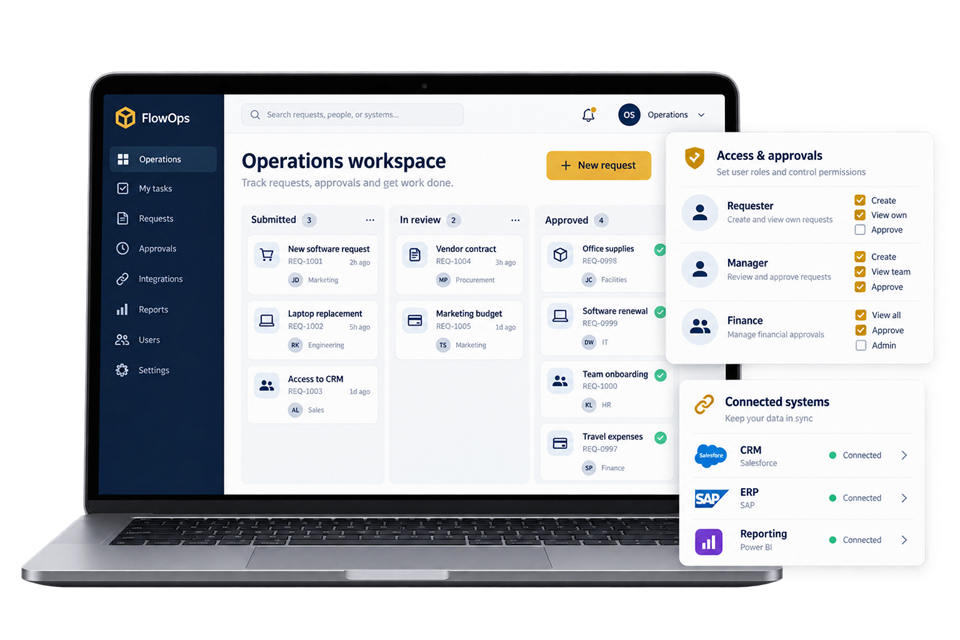
Use these planning briefs to review the users, business rules and integrations your project may need.