Data Migration
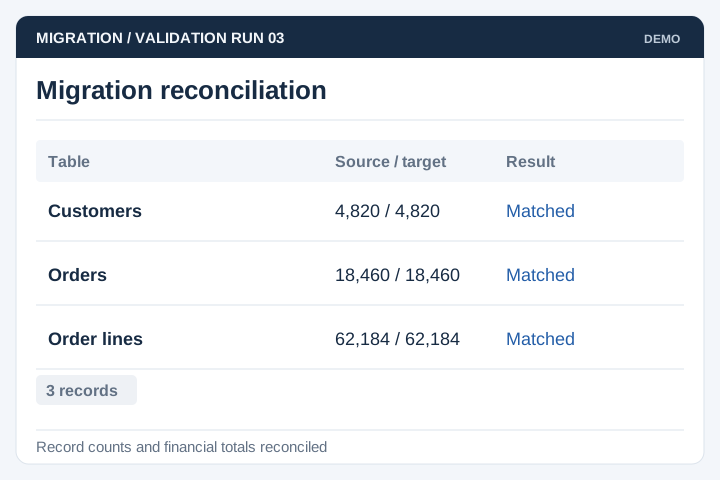
Map tables and relationships, then reconcile record counts and important totals after migration.
Solution
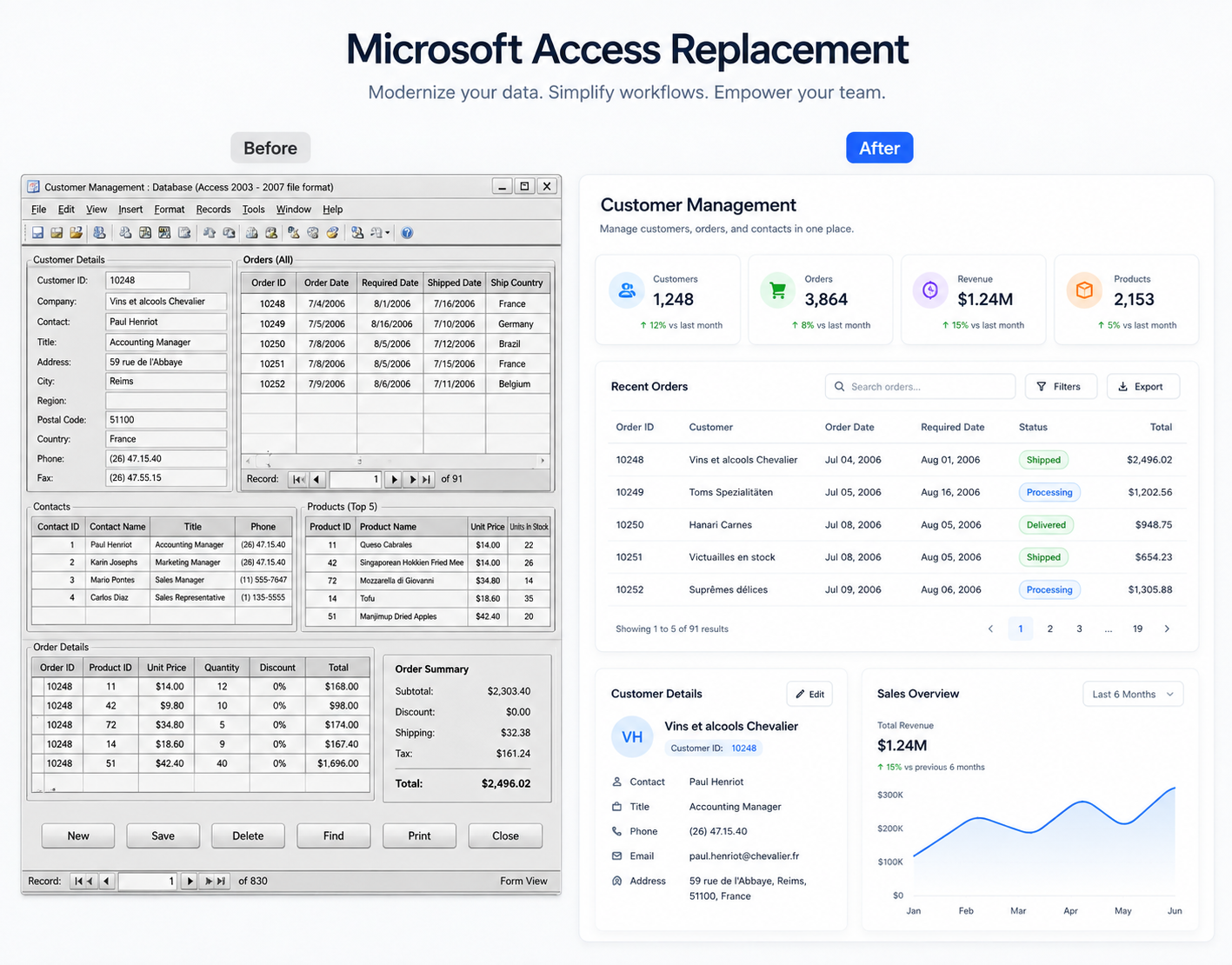
UNO helps businesses replace Microsoft Access applications when support, access or integration requirements have outgrown the current setup. The review covers tables, forms, reports and the business rules staff depend on.
Illustrative interface previews with sample data. Final screens are designed around your requirements.
Map tables and relationships, then reconcile record counts and important totals after migration.
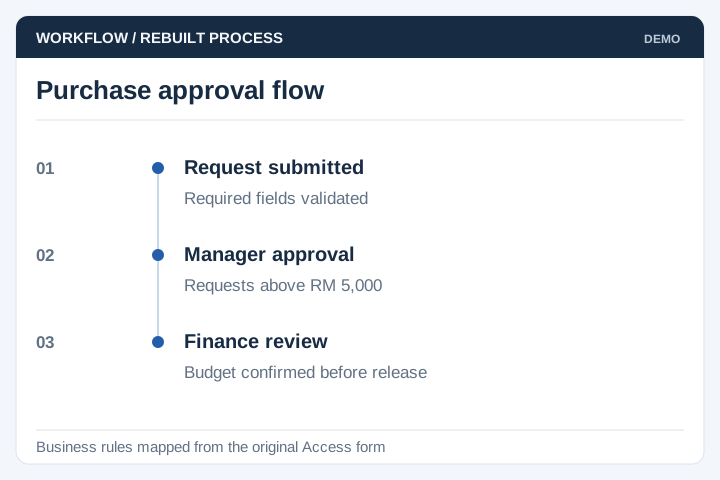
Document the behaviour of existing forms, queries and reports before rebuilding them.
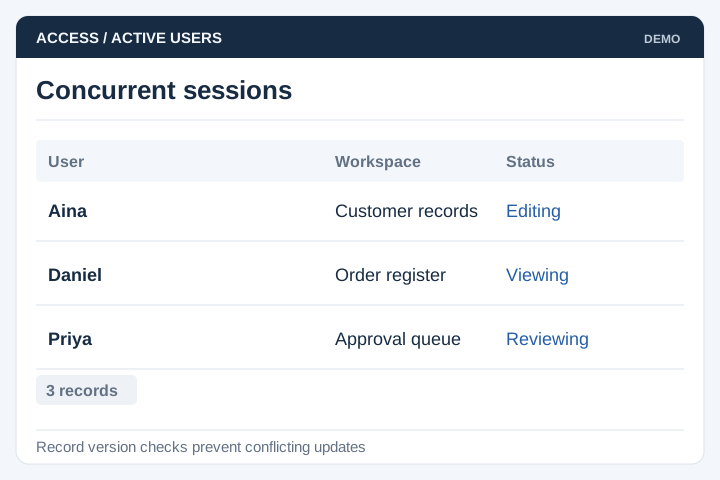
Design concurrent access for the number of users and transactions expected.
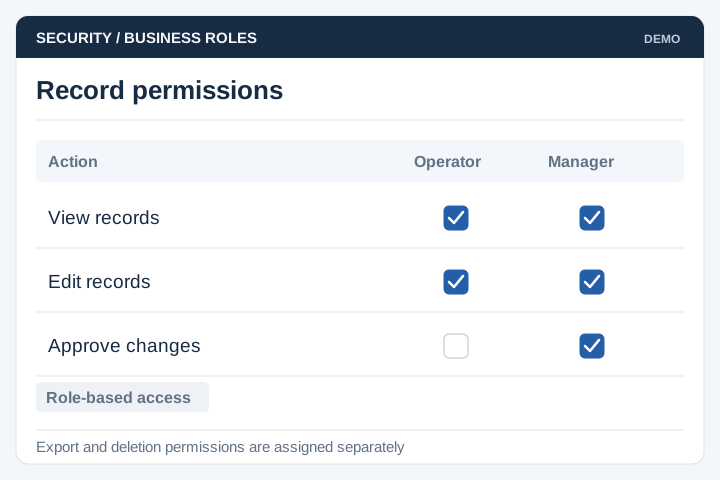
Set permissions for viewing, editing and approving business records.
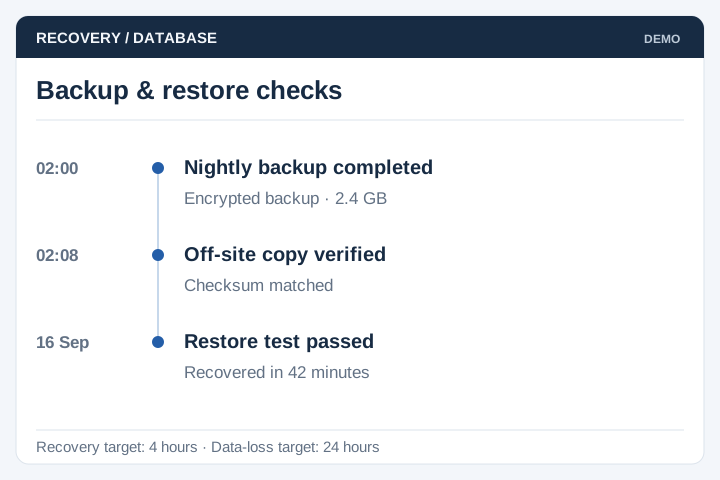
Agree backup frequency, recovery objectives and restoration checks.
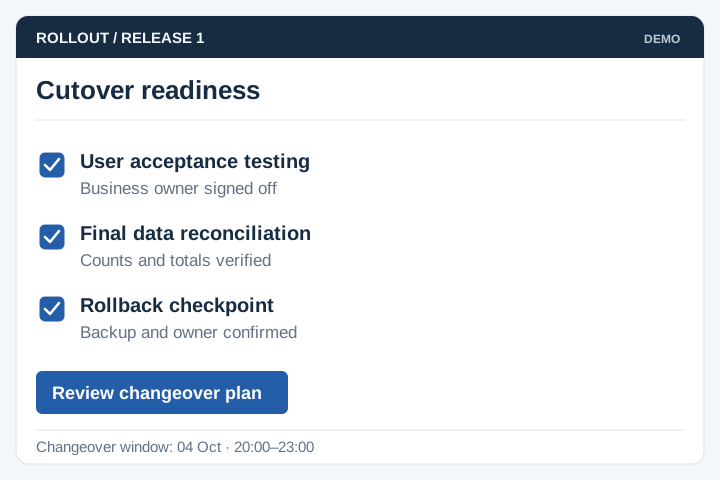
Plan user testing, a changeover window and a recovery option if issues arise.
An Access file may contain years of queries, macros and exceptions that are not written down elsewhere. Reviewing those rules with regular users helps prevent a replacement from missing essential work.
A staged delivery process with agreed scope, review points and acceptance criteria.
Review the current workflow, users, records and systems with the people responsible.
Agree the scope, screen flows, integration approach and acceptance criteria.
Develop and test the agreed workflows, including permissions and exceptions.
Plan rollout, training, handover and the support arrangements for live use.
Start with an inventory of tables, queries, forms, reports and macros. The migration must preserve the business rules people rely on, including rules not documented outside the database.
Record linked files, imports, exports and manual workarounds. Identify who uses each form or report and which outputs drive a business decision.
Define field mappings, duplicate treatment and missing-value rules. Run a trial import and compare record counts, totals and sample reports with agreed source results.
Agree a final data cut-off, user acceptance tasks and rollback decision. Keep responsibilities clear for any parallel operation and the point at which the old database becomes read-only.
Yes. We can review the records, forms, queries and reports in an existing Microsoft Access database and plan a browser-based replacement. The aim is to preserve the business process that still works while addressing the access, maintenance or reporting problems that prompted the change.
Data can be migrated after the tables, relationships and data quality have been checked. Missing values, duplicate records and attachments may need separate handling. Your team should validate a trial migration before the final cutover.
The new system can retain the fields, calculations and outputs your team relies on. Screens do not have to copy every old layout. Reviewing how people use each form helps identify what should stay and which steps can be simplified.
The existing database can usually remain in use during development. The cutover plan needs a final data transfer, a testing window and a clear point when staff switch systems. If both systems must run together, synchronisation needs its own scope.
Inventory tables, relationships, queries, forms, reports, macros and any VBA code or linked files. Ask staff which exports and manual steps they rely on outside Access. Those dependencies often contain business rules that are not obvious from the database tables alone.
Choose representative records and compare old and new outputs, including rounding, date boundaries and exception cases. Have the process owner review differences before accepting the replacement. Keep agreed examples as reference cases so later changes do not quietly alter the calculations.