Availability Rules
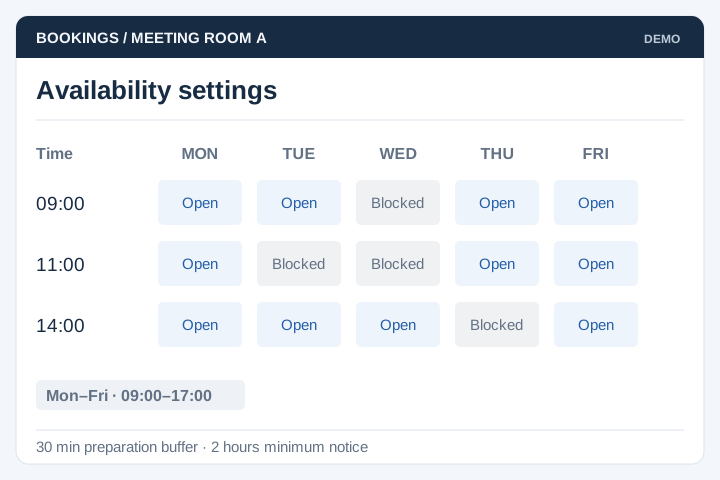
Set operating hours, preparation time, blocked dates and minimum notice periods.
Solution
UNO builds booking systems for organisations managing appointments, facilities or equipment. Availability rules, resource allocation and payment steps are defined around the service your team operates.
Illustrative interface previews with sample data. Final screens are designed around your requirements.
Set operating hours, preparation time, blocked dates and minimum notice periods.
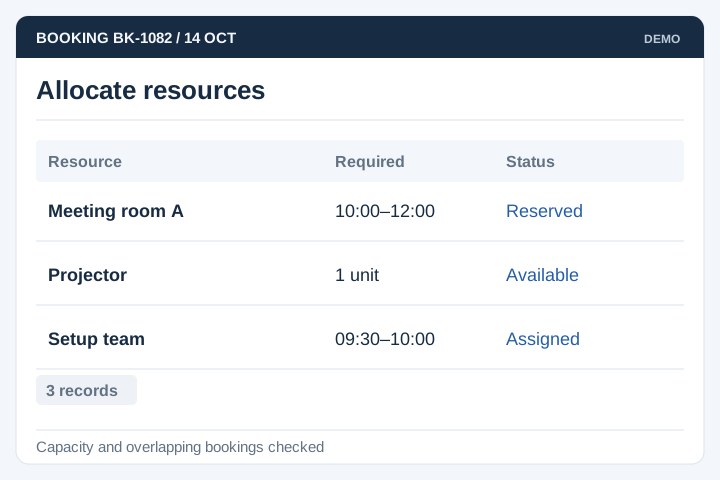
Check the resources required for each booking and handle concurrent requests.
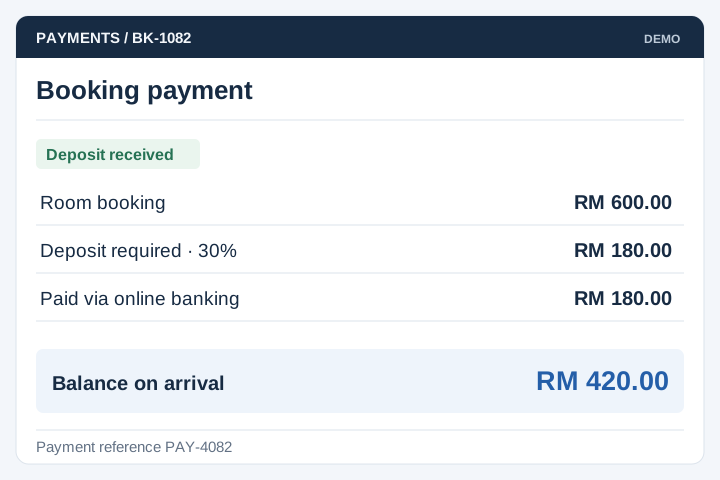
Collect agreed deposits or payments through a supported gateway.
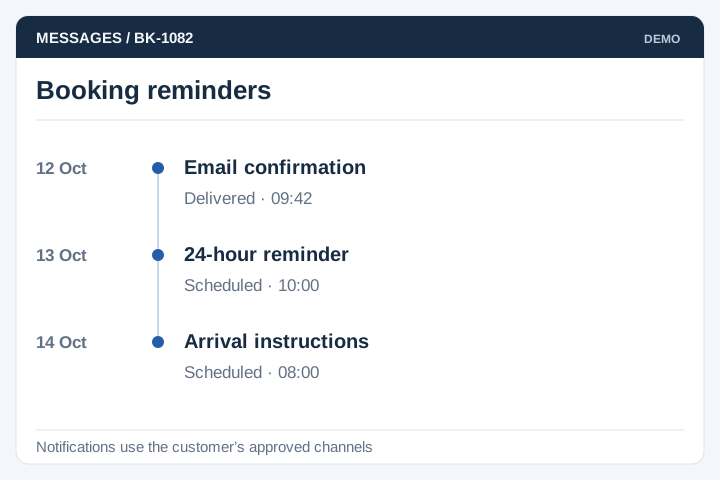
Schedule reminders through approved channels and record delivery status where available.
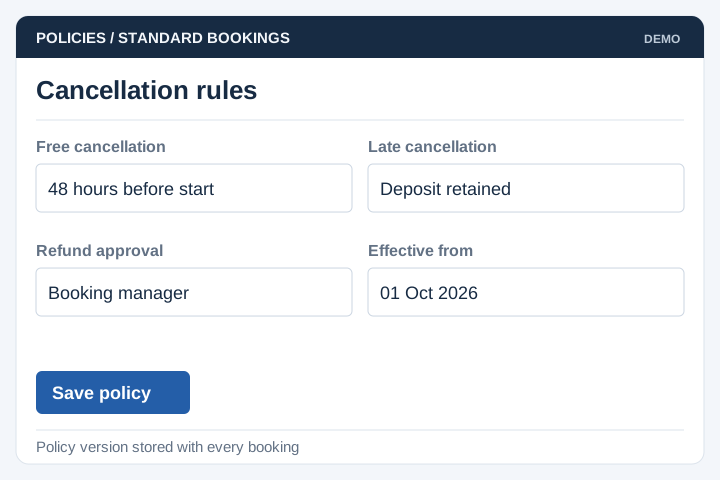
Apply the cancellation and refund rules your business has approved.
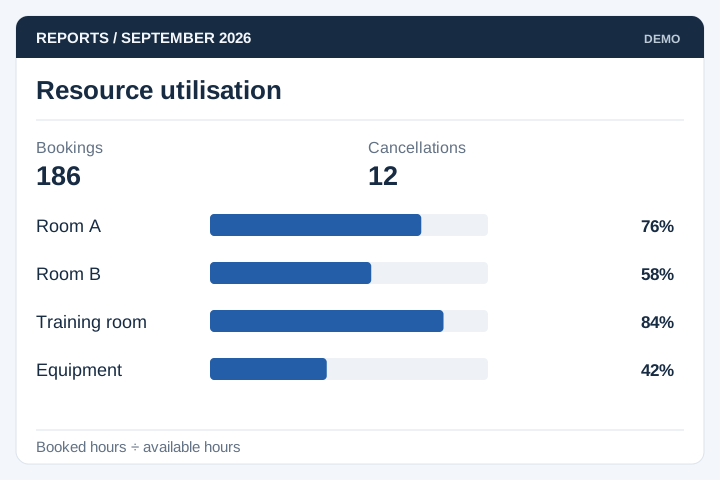
Report bookings, cancellations and utilisation by resource and period.
Booking rules must cover maintenance, staff absence, cancellations and requests made at the same time. Testing these exceptions matters as much as the standard booking journey.

A staged delivery process with agreed scope, review points and acceptance criteria.
Review the current workflow, users, records and systems with the people responsible.
Agree the scope, screen flows, integration approach and acceptance criteria.
Develop and test the agreed workflows, including permissions and exceptions.
Plan rollout, training, handover and the support arrangements for live use.
Booking a person, a room and a piece of equipment can involve different capacity rules. Choose the resource model and the point at which availability is committed.
Specify duration, preparation time and simultaneous capacity. Decide how long an unpaid or incomplete reservation can hold availability.
Agree who may reschedule, release capacity or approve a refund. Define what happens when a payment arrives after a reservation expires.
Test two users requesting the last available slot, a resource becoming unavailable and a repeated payment notification. Confirm that availability and booking records stay consistent.
A booking system manages availability and reservations for appointments, facilities or equipment. UNO scopes opening hours, preparation time, minimum notice, capacity and approval rules around your service. Customer booking screens and staff administration need to use the same availability rules.
The system must check and reserve availability when a booking is confirmed, including when two people request the same slot. Temporary payment holds need an expiry time. Staff overrides, maintenance periods and cancelled bookings also have to update availability correctly.
A payment gateway can be included for deposits or full payment. We need to define when the booking becomes confirmed and what happens after a failed payment, cancellation or refund. Available payment methods depend on the gateway and merchant account.
Yes. Each branch or resource can have its own hours, capacity and staff access where needed. The important detail is whether availability is shared or independent. Reports and permissions can then reflect how your operations team manages the locations.
Rescheduling can update the existing booking while checking the new slot and any price difference. Define notice periods, change fees and who can override them. The original slot should only be released as part of a successful change so an interrupted request does not leave the booking uncertain.
Yes, if staff or connected systems record those outcomes consistently. Agree when a booking counts as completed and who can mark a no-show. Reports can then compare booked capacity with actual use instead of treating every reservation as a delivered service.
Use these planning briefs to review the users, business rules and integrations your project may need.