Public Website
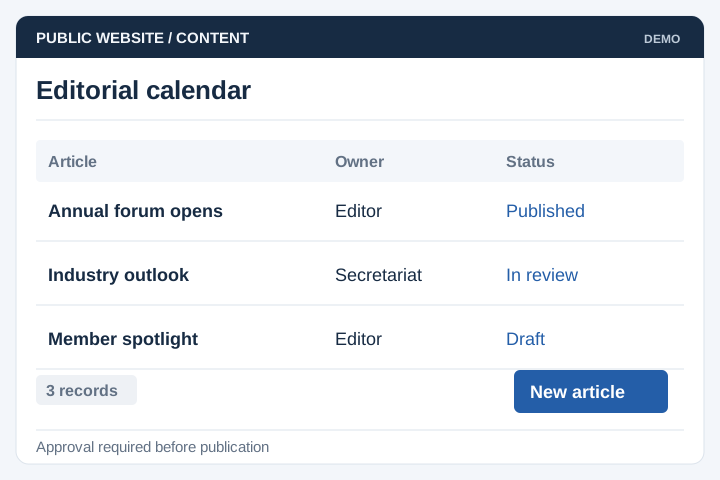
Publish news, resources and event information through an agreed editorial workflow.
Solution
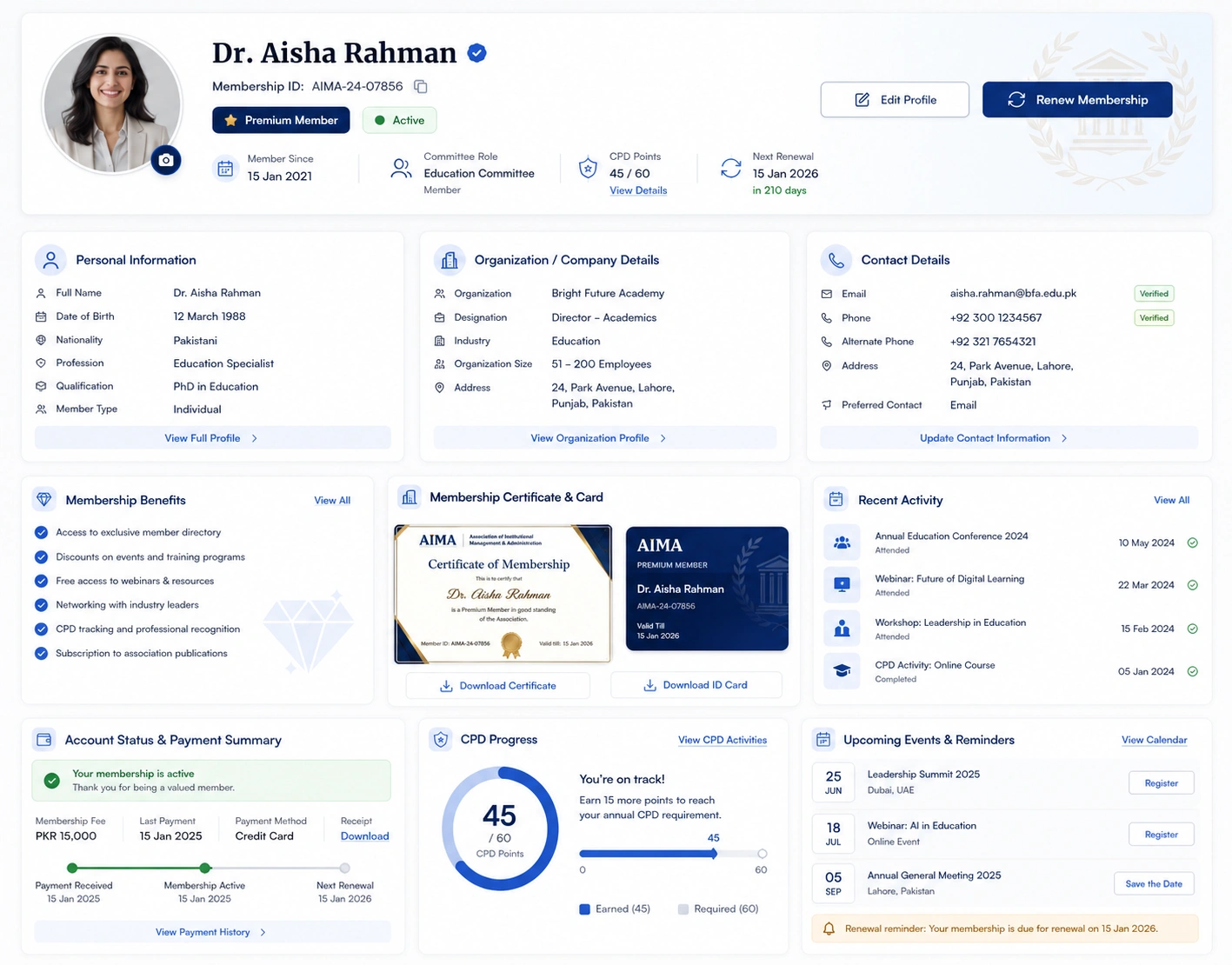
A public website and member area for associations, professional bodies and industry groups. UNO can bring publishing, restricted resources, event registration and renewals into one managed site.
Illustrative interface previews with sample data. Final screens are designed around your requirements.
Publish news, resources and event information through an agreed editorial workflow.
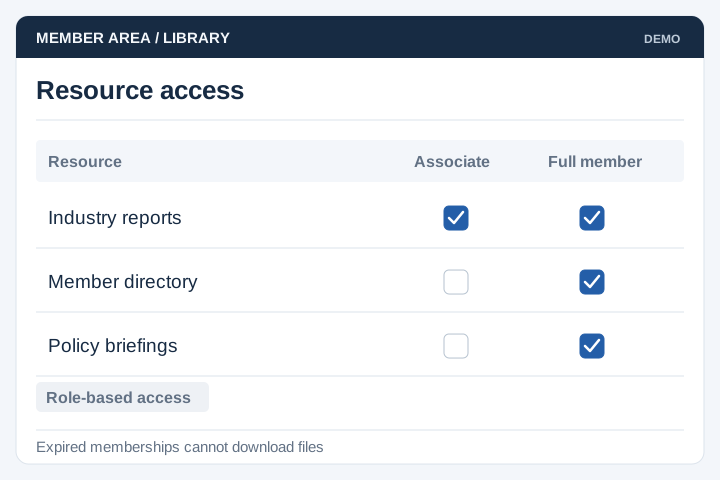
Restrict resources and downloads by membership status or category.
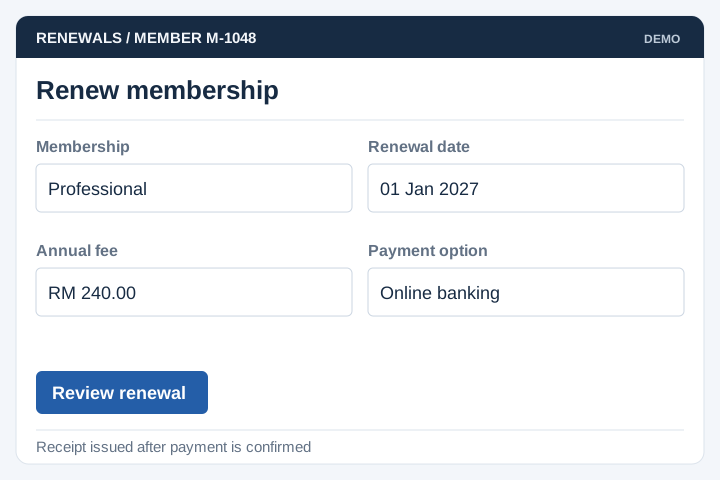
Apply renewal dates, payment options and receipt rules agreed with the secretariat.
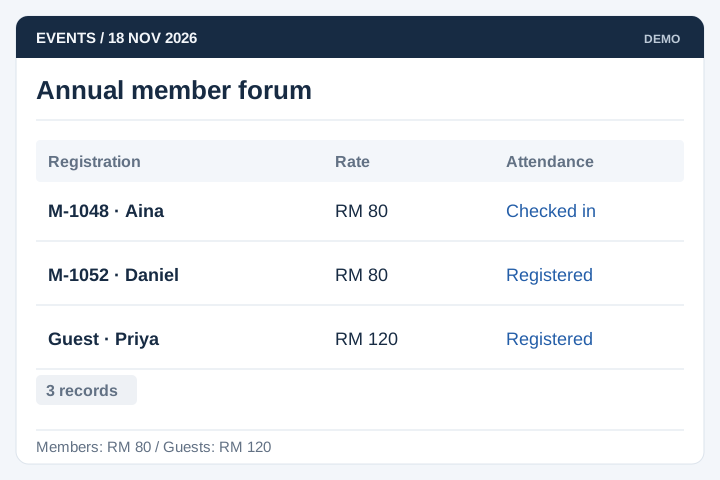
Manage registrations, member rates and attendance records for association events.
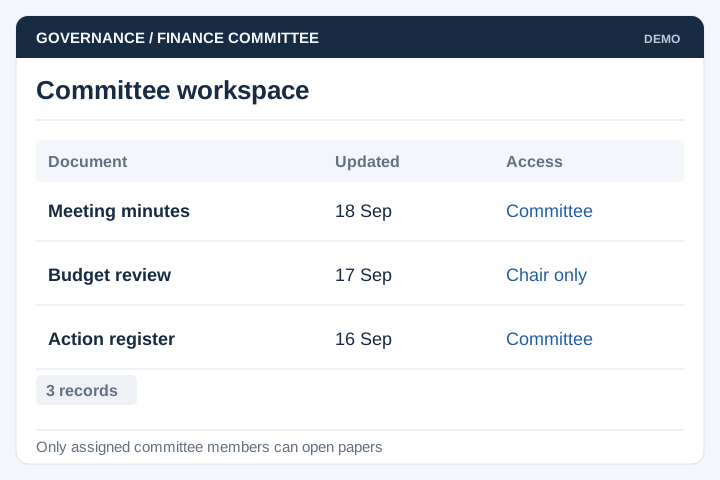
Control access to committee papers, minutes and shared documents.
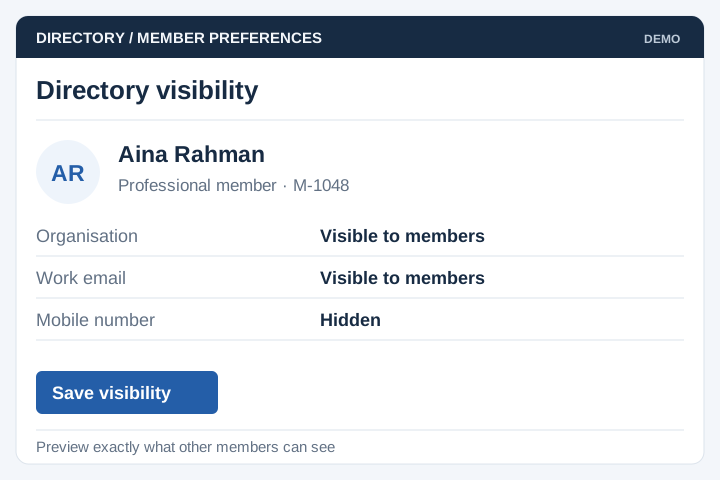
Let members choose which approved profile details appear in the directory.
The public site serves prospective members, partners and the media. The member area handles restricted services. Agree content ownership and permissions for each audience before combining them.
A staged delivery process with agreed scope, review points and acceptance criteria.
Review the current workflow, users, records and systems with the people responsible.
Agree the scope, screen flows, integration approach and acceptance criteria.
Develop and test the agreed workflows, including permissions and exceptions.
Plan rollout, training, handover and the support arrangements for live use.
An association website often serves visitors, editors and members. Agree what each audience can read or change before planning the restricted area.
Identify the services, events, publications and contact routes visitors should find without signing in. Assign owners to keep this information current.
Decide which resources and directory fields members may see, how eligibility is checked and what happens when membership lapses.
Define who drafts, reviews and publishes updates. Keep editorial permissions distinct from membership administration and financial access.
An association website presents public information such as activities, news and membership benefits. A membership portal handles private tasks such as applications, renewals and member records. UNO can scope both together where they need to share information.
Yes. A member area can restrict documents, directories or event information to eligible members. We need to define who can see each item and what happens when a membership expires. Public content should remain accessible without signing in.
The website can include CMS access for the content your secretariat manages. We agree who can edit and publish, which page types are needed and whether content needs approval. This helps avoid asking a developer to make every routine change.
It may be able to connect through an API or supported data import. We first review member identifiers, status fields and the way renewals are recorded. One system should be responsible for membership status so the public website and member area do not disagree.
A directory can publish selected profile fields while keeping administrative records private. Decide which fields members may choose to display, whether changes need approval and who can browse the directory. Expired memberships and withdrawn listings also need a defined publishing rule.
Committee access can be scoped separately from general membership. Define the committee roles, their terms and who updates appointments. When a term ends, access should follow the association's rules for current and archived papers rather than remain attached to an old account indefinitely.