Custom ERP & API Integration

Enter it once. Let the systems tell each other.

Orders in one system, stock in another, invoices in a third, and a person in the middle re-typing all of it. Integration removes that person from the loop — not from the payroll, but from the copying.

Systems
connected
Scheduled or
real-time sync
Retries and
error handling
Monitoring
and alerts
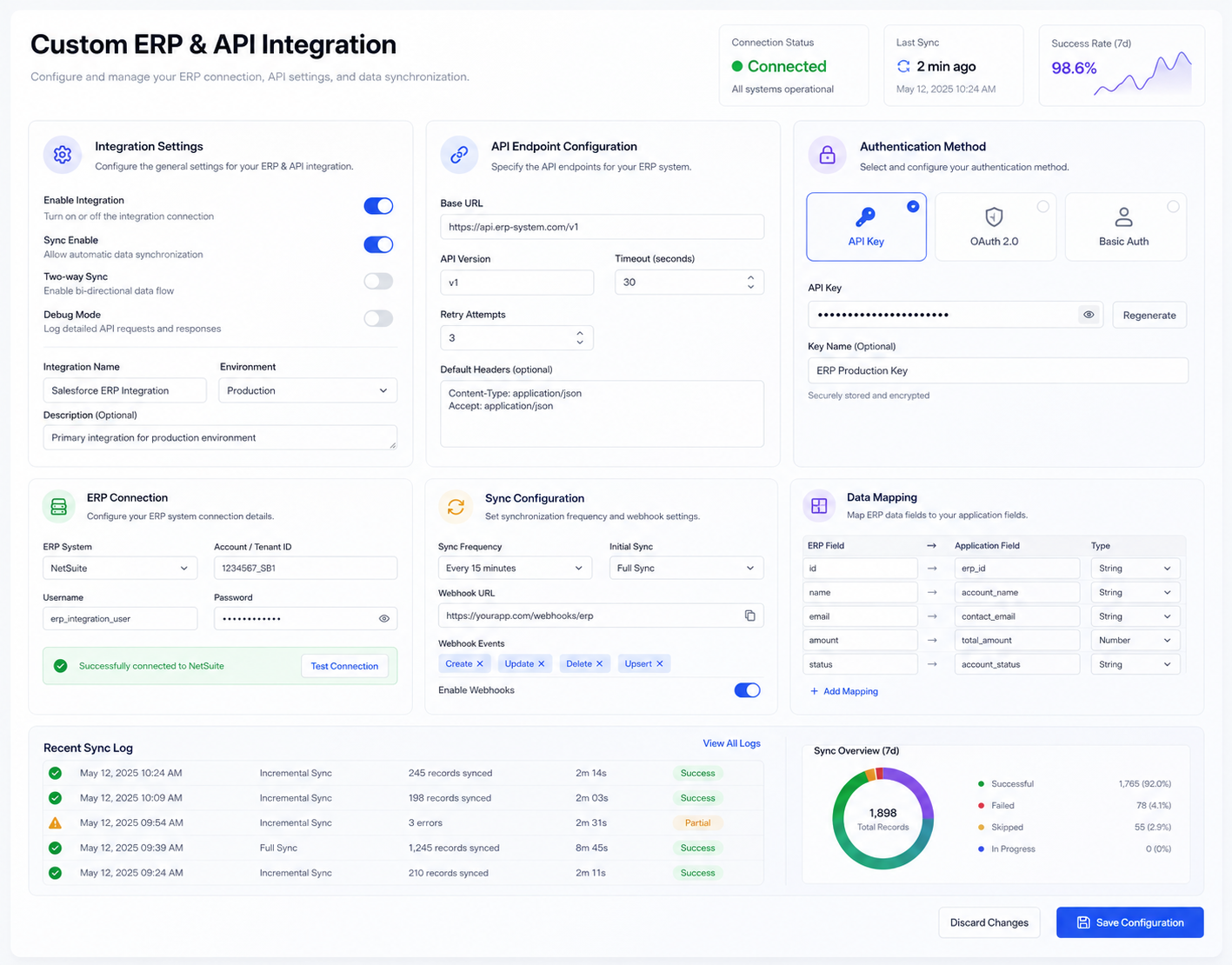
Integration architecture connecting a business system to payment gateways, logistics providers and accounting software
Diagram of systems exchanging data through a central integration layer
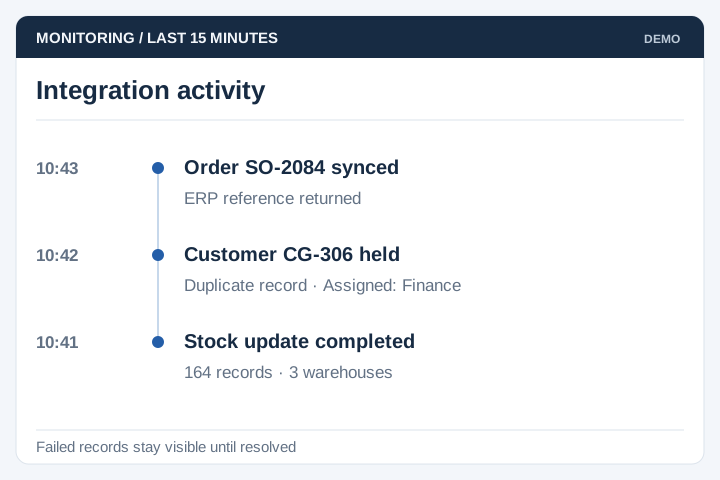
Order syncedWritten to accounts automatically
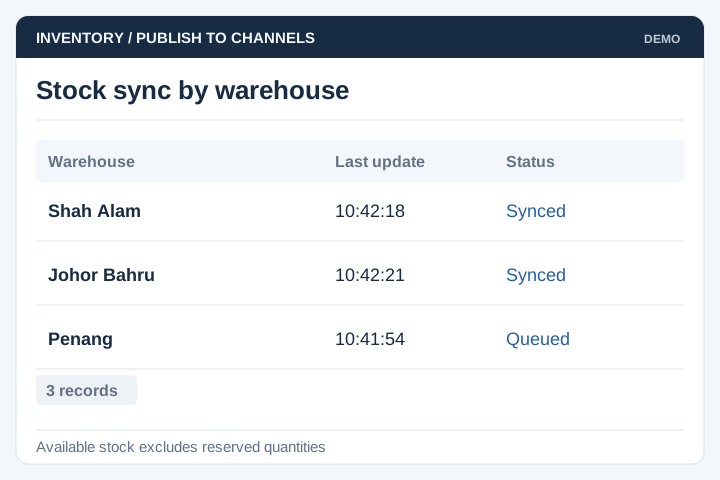
Stock updatedSame figure in both systems
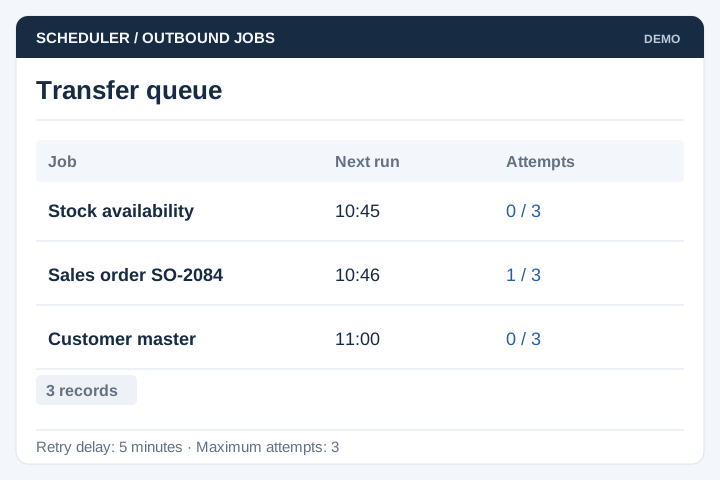
Sync failedRetried, then flagged to a person
The problem

Your systems are fine. The gaps between them are not

Nobody set out to build a business where the same order is typed three times. It happened one purchase at a time, and now a person spends their morning being an integration layer.

  • The same order is keyed into the web store, the ERP and the accounting system by hand.
  • Stock figures disagree between systems, so someone picks whichever one they trust today.
  • Reports are built by exporting from two places and matching them in a spreadsheet.
  • A typo in the third re-entry becomes a credit note, and nobody can see where it started.
  • Month end takes a week because the numbers have to be reconciled before they can be reported.
Built for connected operations

When a person is the connection between two systems

Integration is worth doing wherever the same fact has to exist in more than one place, and a human is currently responsible for making sure it does.

E-commerce to ERP

Web orders written straight into the system that actually fulfils them.

Payments & reconciliation

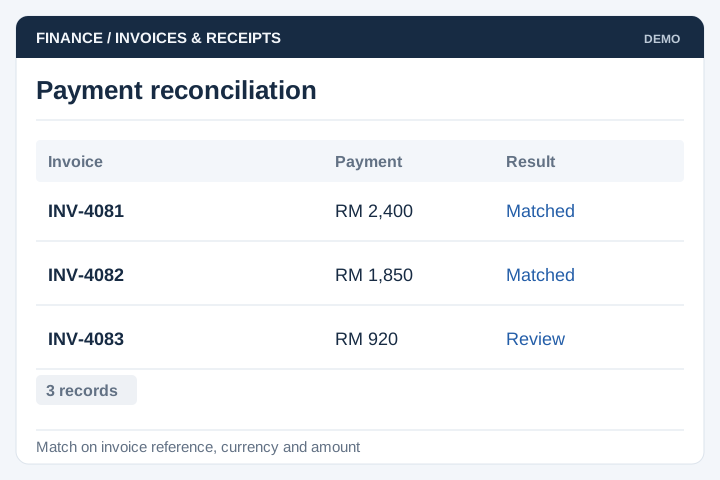
Gateway settlements matched to invoices without a manual bank comparison.

Logistics & couriers

Consignments booked and tracking numbers returned without leaving your system.

POS & inventory

Branch sales and stock movements consolidated instead of collected weekly.

Accounting & e-invoicing

Invoices raised once and posted to accounts with the fields the tax authority expects.

Custom APIs

An interface published from your own system so partners can connect to you.

The first question is always whether the other side has an API. Modern platforms do, and those projects are predictable. Older ERPs sometimes offer only a database connection or a scheduled file drop, which still works but changes the design and the cost.

If both systems are mainstream and a ready-made connector already exists, use it. We are worth paying when the connector does not exist, does not cover your fields, or when the mapping between the two systems needs judgement rather than a checkbox.

How data actually moves

The path of one record between systems

Six steps. Steps five and six are what separate an integration that survives from a script that quietly stopped working in March.

Trigger

An event happens — an order placed, a payment cleared, a status changed.

Map

Fields translated between the two systems, including the codes that never match.

Validate

Checked before sending, so bad data is caught here rather than in the other system.

Send

Delivered by API, webhook or scheduled file, whichever the other side supports.

Retry

Failures retried on a backoff, and duplicates prevented when the same message arrives twice.

Monitor

Every exchange logged, with an alert to a person when something stays stuck.

Integrations fail silently by default, and that is the danger. The one that matters is not the happy path — it is what happens at 2am when the other system returns an error, and whether anyone finds out before the next working day.

What gets built

Main modules and functions

An integration is more than a connection. Most of the work is in the parts that handle everything not going to plan.

Connectors

Authenticated connections to each system by API, webhook, database or scheduled file transfer.

Field mapping

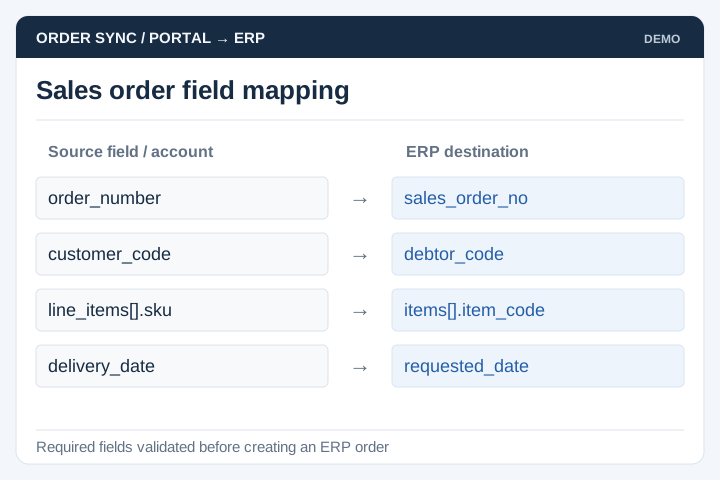
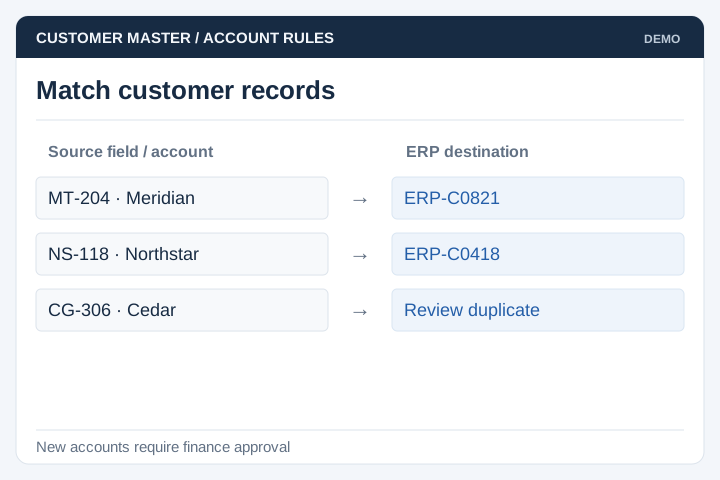
The translation table between systems — product codes, tax codes, units, currencies, customer IDs.

Sync engine

Real-time on events or scheduled in batches, one-way or two-way, with a defined source of truth.

Validation & rules

Business rules applied in transit, so an order missing a tax code never reaches accounts.

Retries & queueing

Messages queued when the other side is down, retried on a backoff, never sent twice.

Logs & replay

Every exchange stored with its payload, so a failed record can be inspected and re-sent.

Alerting

A named person told when something is stuck, rather than a dashboard nobody opens.

Credentials & security

Keys held properly, rotated, and scoped to the minimum each connection actually needs.

Reconciliation reports

A daily comparison proving both systems hold the same records, which is how you sleep.

Integration architecture diagram showing connected business systems
From live builds

Systems we have already integrated

For this kind of work the useful evidence is not a screenshot — it is the list of platforms we have connected to in production. More detail on the API integration service page.

Payments

iPay88
eGHL
Billplz
senangPay
Revenue Monster
Stripe
PayPal

Logistics

DHL
FedEx
EasyParcel
SF Express
pandago
Atome
Red Dot Payment

Business systems

Microsoft Dynamics 365
Xero
Zoho
Xilnex
GlobalTix
iSMS
Tripcarte
Implementation

Typical implementation

Six stages. Most of the risk sits outside our control, in whether the other system's documentation matches how it actually behaves.

Discovery

What has to move, in which direction, how often, and which system wins when the two disagree.

Output: data flows and source of truth

Access & feasibility

Getting credentials and a test environment from every party involved. This stage takes longer than anyone expects, and it is why we start it first.

Output: working test connections

Mapping & sign-off

Field-by-field mapping agreed on paper, including what to do with codes that exist in one system and not the other.

Output: signed mapping document

Build

One flow end to end first — usually orders — so you can see a real record land before the rest is built.

Output: first flow live in test

Failure testing

We break it deliberately: the other system offline, a malformed record, a duplicate message, a half-finished batch.

Output: tested failure behaviour

Go live & watch

Switched on with manual entry still running alongside for a fortnight, and reconciliation checked daily until it is boring.

Output: live integration, runbook, alerts
Timeline

Six to twelve weeks per integration

A single well-documented API at the short end. An older ERP with no API, or a partner whose test environment has to be requested through a support ticket, at the long one.

Week 1Week 4Week 8Week 12
Discovery
Access & credentials
Mapping & sign-off
Build first flow
Remaining flows
Failure testing
Go live & parallel

Note the second bar. Waiting for credentials and a test environment routinely takes longer than writing the integration, and it is entirely outside our hands, so raise those requests with your other vendors the day the project starts.

Client feedback

From a payments client we've worked with

UNO.com.my is there for our web developing needs — from major website revamps to minor page updates. The CMS built for our companies’ websites are user-friendly, especially for IT newbies. Their Web Consultant is accommodating, consistently hands-on, and able to respond to our requests via HelpDesk. All in all, a pleasant experience working with UNO.com.my.
Clair Leong GHL Systems Berhad / e-pay (M) Sdn Bhd