Vehicle Tracking System

Where every vehicle is, where it has been, and whether it is running to plan.

Today the answer to “where is it?” is a phone call to the driver. A tracking system puts the position on a map, keeps the trip history, and tells the office when something has gone off plan before anyone complains.

Live
location
Trip history
and playback
Routes and
schedules
Alerts and
notifications
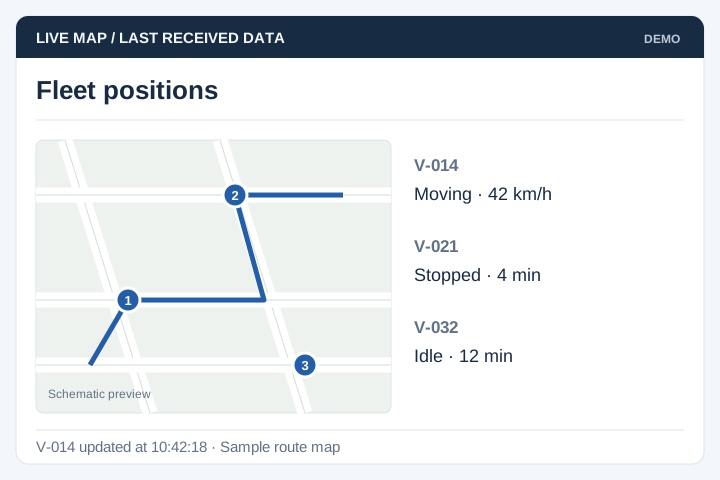
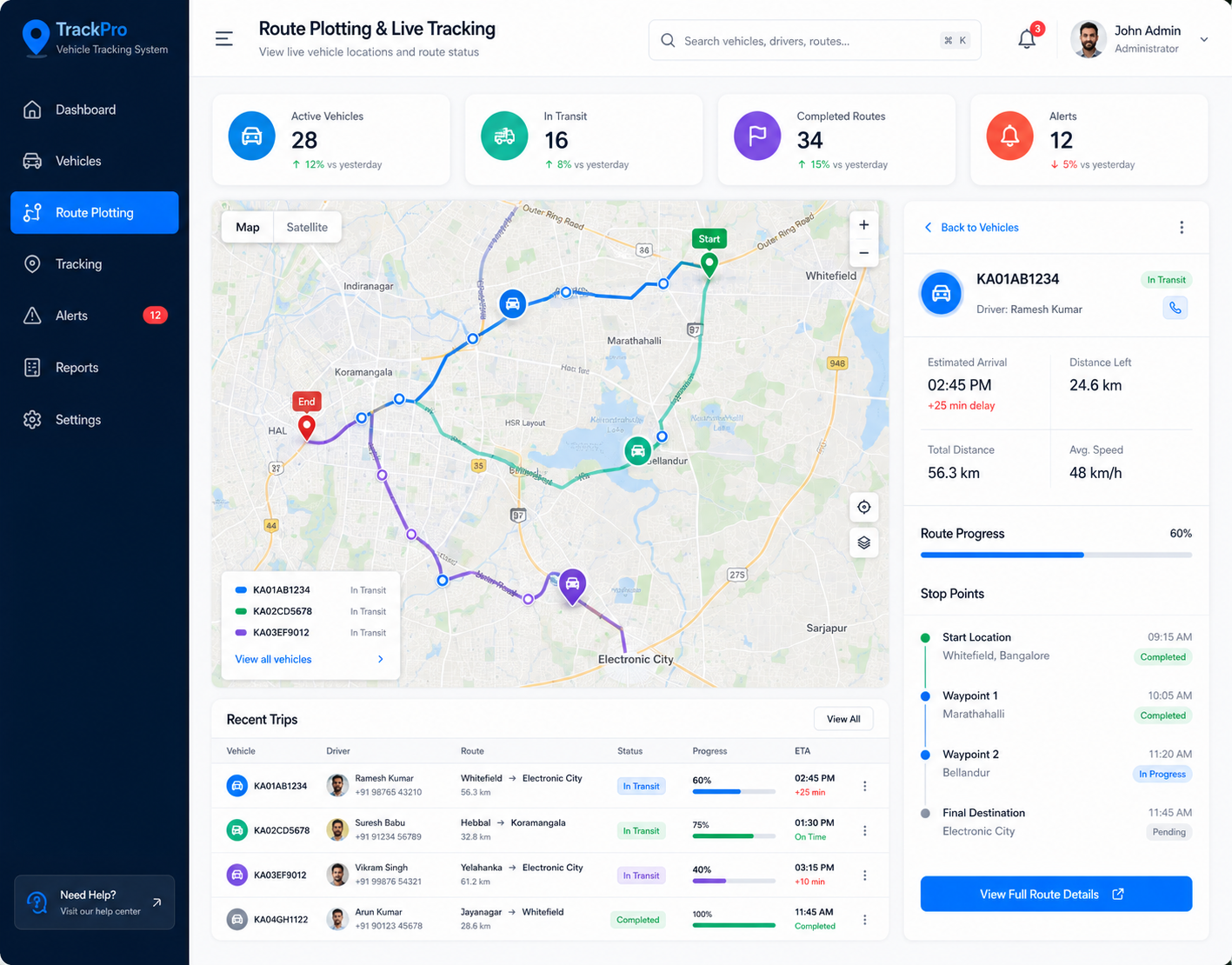
Live trip map with the traced route between start and transit points, from a tracking system built by UNO
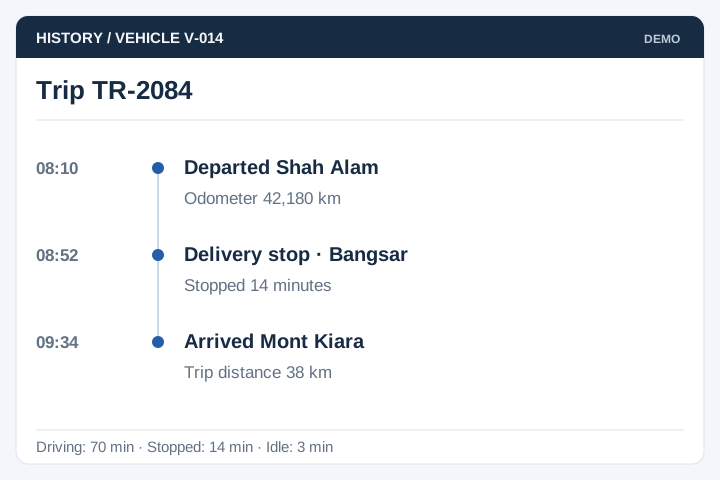
Trip log listing every recorded position with coordinates, accuracy and timestamps
Trip startedVehicle on route, on time
Off routeAlert raised to the office
ArrivedTime and position on record
The problem

Nobody can prove what happened on the road

A fleet without tracking runs on trust and phone calls. That works until there is a dispute, a complaint or a fuel bill that does not add up — and then there is nothing to look at.

  • “Where is the vehicle?” is answered by ringing the driver, who is driving.
  • Trip records are written on paper and typed up later, if at all.
  • There is no way to show that a pickup or delivery happened at the time claimed.
  • Idling, speeding and off-route driving stay invisible until fuel costs or a complaint expose them.
  • Parents, clients and customers call the office because they have no way to see progress themselves.
Built for fleet operators

Anyone answerable for where a vehicle went

The vehicle changes but the questions do not: is it running, is it on route, when did it arrive, and how far did it travel this month.

School & staff buses

Fixed routes with stops, where parents and HR both want to see the bus coming.

Logistics & last mile

Delivery runs where arrival times and proof of drop-off decide the invoice.

Field service fleets

Vans dispatched to jobs, where the nearest available vehicle is the useful question.

Plant & heavy equipment

Machines moved between sites, tracked for utilisation and service intervals.

Rental & leasing fleets

Mileage and geographic limits enforced by the record rather than by argument.

Waste & municipal

Collection rounds where coverage has to be evidenced to the authority.

Decide early whether you are buying hardware or using phones. A GPS unit wired into the vehicle reports whether or not anyone remembers to open an app, and survives a flat phone battery. A driver's phone costs nothing extra and gets you running next week.

If you already run a third-party GPS platform and only want the reports and passenger view on top, say so — building a layer over an existing tracker is a much smaller project than replacing it.

From ignition to report

How a trip moves through the system

Six steps, repeating for every trip. Step five is what makes the rest defensible — nothing is reconstructed from memory afterwards.

Equip

A GPS unit or the driver's phone reports position on a set interval.

Assign

Vehicle and driver assigned to a route, a trip or a job for the day.

Track

Positions plot on the map as the trip runs, against the planned route.

Alert

Deviation, delay, speeding or arrival raises a notification to whoever needs it.

Log

Every position stored with time, coordinates and accuracy, ready to replay.

Report

Trips, mileage, timings and exceptions summarised by vehicle, driver and route.

Coverage is never perfect. Vehicles go through tunnels, basements and plantation roads with no signal, so positions are buffered on the device and uploaded when the connection returns rather than being lost.

Core modules

Main modules and functions

Most fleets start with the live map, vehicles and trip logs. Alerts and the passenger view are added once the tracking itself is proven on the road.

Live map

Every active vehicle on one map, with status, last update time and the trip it is running.

Vehicles & devices

Vehicle register with plate, capacity and device pairing, plus service and inspection dates.

Routes & stops

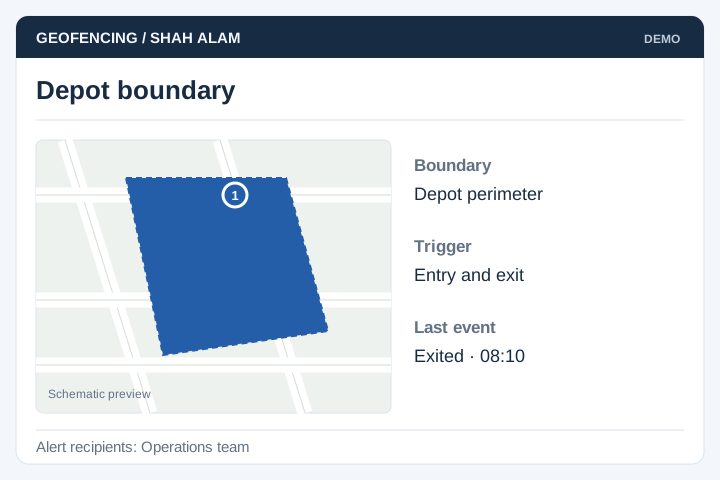
Named routes with ordered stops, expected timings and the geofence around each one.

Trips & schedules

Scheduled and ad-hoc trips, with start and end times captured rather than typed.

Drivers & assignment

Who drove what and when, with licence expiry and shift assignment held on the record.

Alerts & notifications

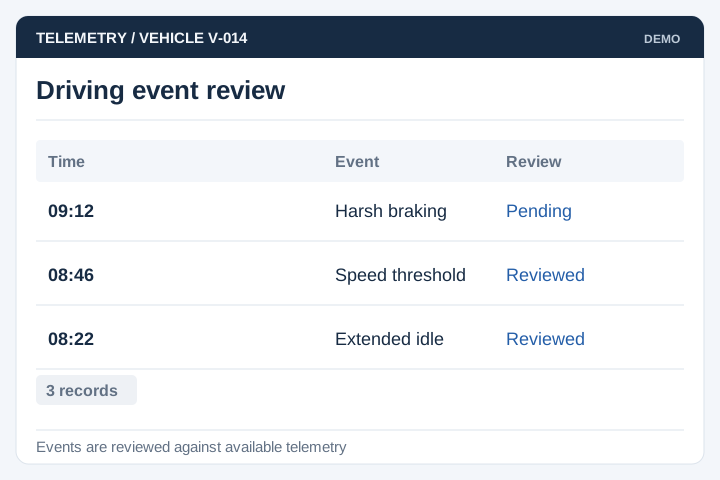
Off-route, late departure, speeding, long idle and arrival, by email, SMS or push.

Trip logs & playback

Every recorded position kept, so any past trip can be replayed against the clock.

Passenger & client view

A limited view for parents, clients or site staff showing only the vehicle that concerns them.

Reports

Mileage by vehicle, on-time performance, exceptions, utilisation, and exports for payroll or billing.

Route setup form with bus number, route location, category, campus and vehicle details
From a live build

Screens from a tracking system we built

From KLASS Bus Buddy, a school bus tracking system built for YKY Bus Service, covering routes, trips, live position and the parent-facing view. The full story is in the vehicle tracking case study.

Trip map showing the traced route with start and transit markers on a street map
Trip map The route as actually driven, traced from the recorded positions rather than the plan.
Trip log table with longitude, latitude, accuracy, tracked at and updated at columns
Position log Every ping kept with coordinates, accuracy and timestamp — the evidence behind the map.
Trip booking form with trip type, departure and return date and time, passengers and buses required
Trip booking Ad-hoc trips requested with dates, passenger numbers and the buses required.
Route setup form with bus number, route location, route category and vehicle information
Route setup Routes defined once with their category, location and assigned vehicle.
Implementation

Typical implementation

Six stages. Unlike the other systems we build, this one has a physical dependency — devices have to be bought and fitted, and that sets the pace.

Scoping workshop

With operations and a driver. We settle what counts as off-route, how often position should be reported, and who gets told when something is wrong.

Output: alert rules and reporting interval

Device selection & trial

A hardware tracker or the driver's phone, trialled on two vehicles for a fortnight before committing to a fleet-wide order.

Output: device decision with real coverage data

Design & sign-off

Screen-by-screen design of the control room view, the driver's app and the parent or client view.

Output: signed-off screens, build schedule

Build in stages

Vehicles, routes, position capture and the live map first, so you can watch real trips before alerts and reporting are finished.

Output: test system, updated fortnightly

Fitting & UAT

Devices fitted across the fleet, then a week of live running checked against what actually happened on the road.

Output: fitted fleet, signed UAT

Launch & handover

Office and drivers trained, the passenger view opened last, once the data behind it has been trusted for a fortnight.

Output: live system, SOP, support window
Timeline

About four months, set by the hardware

For a fleet of twenty to a hundred vehicles with fitted devices. Using drivers' phones instead removes the fitting stage and takes roughly a month out.

Month 1Month 2Month 3Month 4
Scoping workshop
Device trial
Design & sign-off
Core build
Device procurement & fitting
Alerts, reports, client view
Live running & UAT
Launch & handover

Fitting runs alongside the build rather than after it, because vehicles can only be released a few at a time. The stage that slips is procurement — order devices as soon as the trial ends, not when the software is ready.

Client feedback

From a transport operator we've worked with

I would like to take the opportunity to thank UNO especially their web consultant for the great service rendered along the journey in completing our brand new corporate website. You guide us, consult us and the most important thing is you understand what we want. The result is just awesome and we are truly satisfied! Thank you.
Hairunnisa Kastolany KL-Kuala Selangor Expressway Berhad (LATAR)