B2B Ordering Portal

Your dealers and trade customers order themselves, at their own prices.

Orders arrive by WhatsApp, email and phone, and someone re-types them into the accounting system. A trade portal lets each customer see their own price list, order against their credit terms and check where the delivery is.

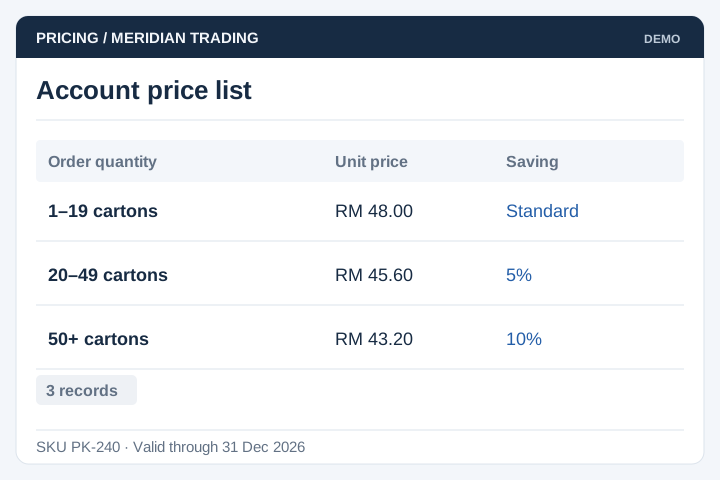
Customer-specific
pricing
Ordering
round the clock
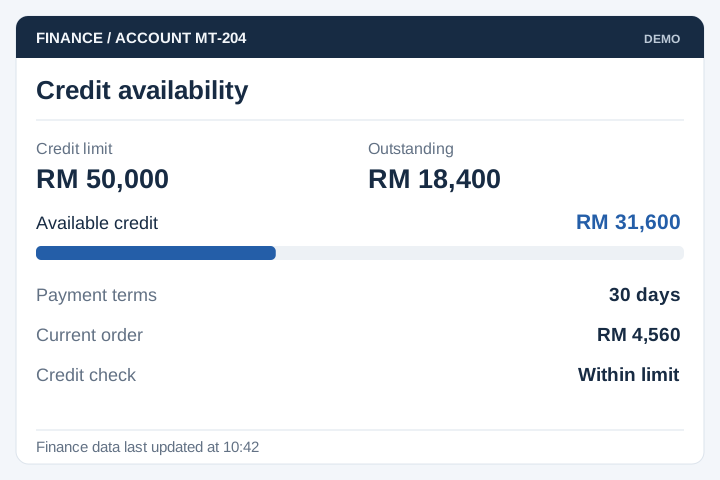
Credit limits
and terms
Order and
delivery status
Order management dashboard showing sales, order counts and monthly trends from a trade ordering portal built by UNO
Order list showing totals by status: activated, pending, invoiced and cancelled
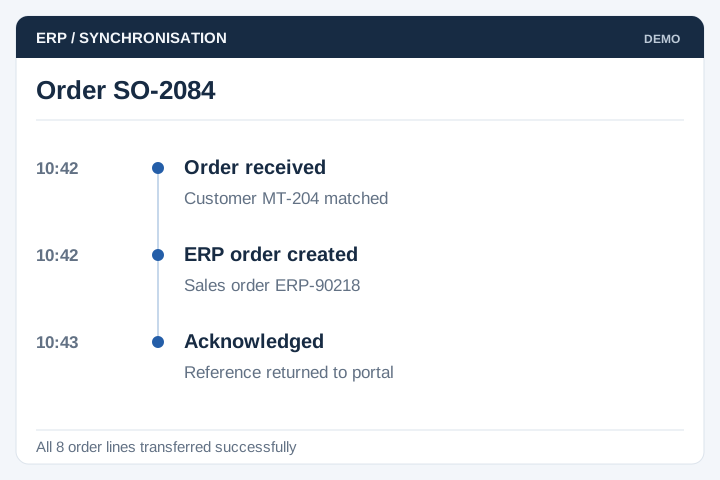
Order receivedPriced against the customer's list
Credit checkedHeld if the account is over limit
Out for deliveryCustomer can see it without calling
The problem

Taking orders by phone is a full-time job

Trade customers are not difficult. They just want the price they were promised, stock they can rely on, and an answer about their delivery — and every one of those questions currently lands on a person.

  • Orders come in by WhatsApp, email and phone, then get re-typed into the accounting system by hand.
  • Every customer has a different price list, so what they are quoted depends on who picks up.
  • Half the morning goes on “is this in stock?” and “where is my order?”
  • Credit limits are checked manually, so goods ship to accounts that are already over the line.
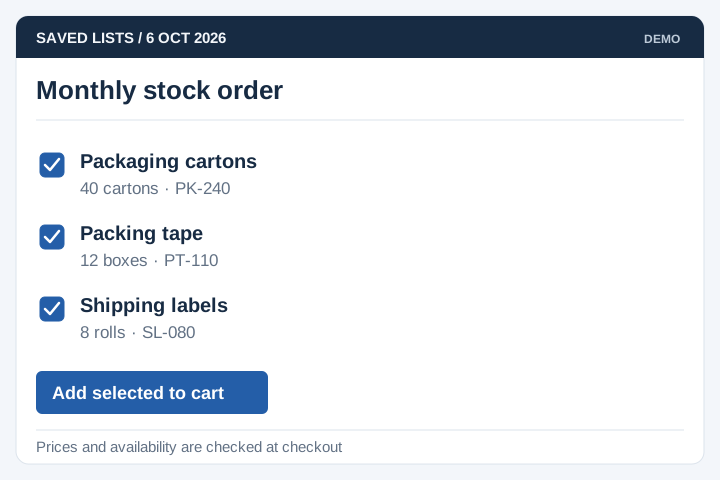
  • The same monthly order is keyed in from scratch every time, and typos come back as credit notes.
Built for trade suppliers

Businesses that sell to other businesses, on account

The pattern is the same whether you ship pipes, prawns or pharmaceuticals: named accounts, negotiated prices, credit terms, and orders that repeat.

Distributors & wholesalers

Hundreds of retail accounts, each on its own price tier and payment terms.

Manufacturers selling to dealers

Appointed dealers ordering from a catalogue, with territory and margin rules.

Food & beverage supply

Restaurants, cafés and hotels ordering on a cut-off time for next-day delivery.

Building materials & hardware

Contractors ordering by project, with quotations and part deliveries.

Medical & pharmaceutical

Clinics and pharmacies ordering controlled items with batch and expiry tracking.

Spare parts & industrial supply

Large catalogues where finding the right part number is most of the work.

A portal is worth building when you have upwards of fifty trade accounts, more than one price list, orders that repeat, and sales reps taking orders while they are out.

If you sell to a handful of customers on one price list, a shared order form and an invoice template will do the job. We will tell you that rather than quote for a portal.

From login to reorder

How an order moves through the portal

Six steps. After the first order, most customers live in steps three and six — reorder, confirm, done.

Sign in

Approved trade accounts only. Each buyer sees their own company, not the open market.

Own prices

Contract pricing, tier discounts and promotions applied to the catalogue automatically.

Build order

Reorder from history, upload a spreadsheet, or search by part number.

Checked

Credit limit, minimum order value and stock checked before the order can be submitted.

Fulfil

Order reaches the warehouse with the delivery date and the customer's PO reference on it.

Invoice & reorder

Invoice issued against terms. The order stays in history for one-click repeat next month.

Nothing here removes your sales team — it removes the typing. Reps keep ordering on behalf of customers who would rather phone, and those orders land in the same place as the rest.

Core modules

Main modules and functions

Most suppliers start with accounts, pricing, catalogue and ordering, then add credit rules and the accounting link once customers are actually using it.

Trade accounts

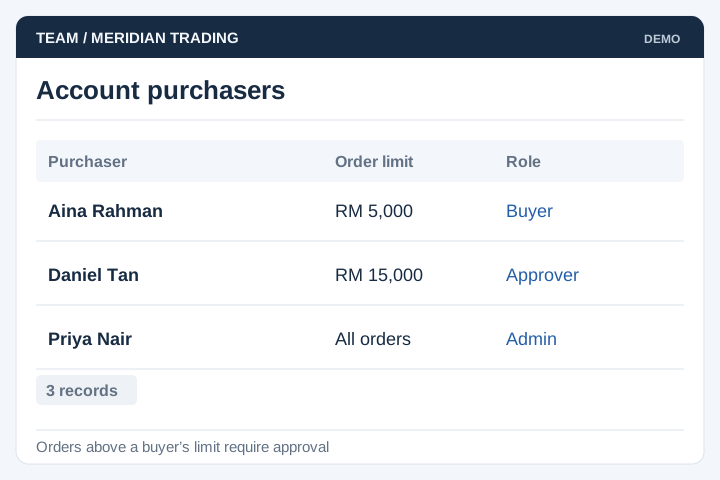
Company accounts with several buyers, roles and permissions, multiple ship-to addresses, account status.

Contract pricing

Per-customer price lists, quantity tiers, promotional pricing, effective dates, price on application items.

Catalogue & stock

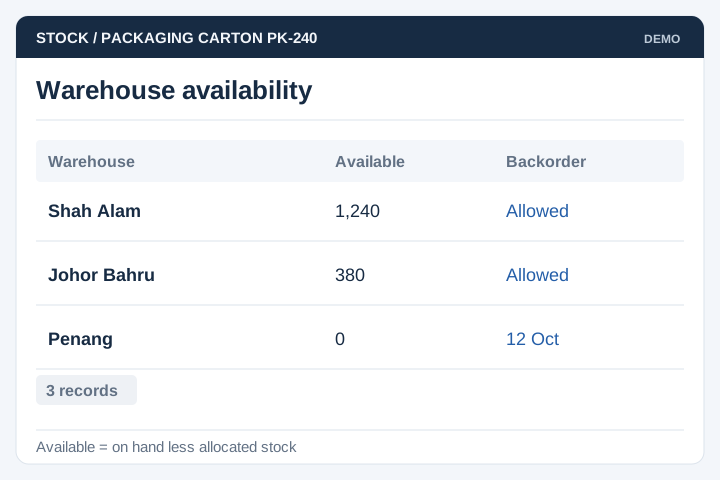
Product data with pack sizes and units of measure, substitutes, live or indicative stock levels.

Order capture

Reorder from history, saved order templates, bulk upload by spreadsheet, minimum order and multiple rules.

Credit & terms

Credit limits and payment terms, automatic holds, deposits, and online payment where you want it.

Quotations & approvals

Quote to order conversion, internal approval when an order breaks a pricing or credit rule.

Delivery & fulfilment

Requested delivery dates, cut-off times, partial shipments, PO references, delivery orders.

Sales rep ordering

Reps place orders on behalf of a customer, see their territory, and pick up abandoned carts.

Integration & reports

Sync or export to your accounting or ERP system, plus sales by customer, product and rep.

Order entry form capturing product, package, company and delivery details
From a live build

Screens from a trade ordering system we built

From PCMS2U, a channel ordering platform where appointed agents place, track and invoice orders for their customers. Customer data in these screens has been obscured.

Dashboard with sales, commissions, product and agent totals plus monthly order and sales charts
Order dashboard Sales, order volumes and active agents on one screen, filtered by date or by agent.
Order entry form with product, package, company, customer and delivery address sections
Order entry Product, account and delivery captured once, with file attachments and a bulk upload option.
Order list with running totals by status: activated, pending, invoiced and cancelled
Order pipeline Every order counted by status, so nobody has to ask which ones are still open.
Implementation

Typical implementation

Six stages. The one that decides whether the project runs on time is the second, and it is about your product and pricing data rather than software.

Scoping workshop

Sessions with sales, finance and the warehouse. We write down the pricing rules, the credit rules and who is allowed to order what.

Output: module list and written trade rules

Product & pricing audit

We check the product master and the price lists before anything is built: duplicate codes, inconsistent units of measure, prices that exist only in a rep's notebook.

Output: clean-up list with counts

Design & sign-off

Screen-by-screen design of the customer side and the back office, reviewed with the people who take orders today.

Output: signed-off screens, build schedule

Build in stages

Accounts, catalogue, pricing and ordering first, so a pilot customer can place a real order before credit rules and reporting are finished.

Output: test system, updated fortnightly

Migration & UAT

Real catalogue and price lists loaded, then your reps and two or three friendly customers run live scenarios: order, credit hold, part delivery, invoice, reorder.

Output: migration report, signed UAT

Launch & onboarding

Customers are brought on in batches rather than all at once, with the reps introducing the portal on their normal visits.

Output: live portal, SOP, support window
Timeline

About four months, longer with an ERP link

For a supplier with a few thousand product lines and the modules above. Accounts, catalogue and ordering on their own is closer to ten weeks.

Month 1Month 2Month 3Month 4
Scoping workshop
Product & pricing audit
Design & sign-off
Core build
Credit, delivery, rep ordering
Accounting or ERP link
Migration & UAT
Launch & onboarding

The accounting or ERP link is the item most likely to move. If your system has a documented API this stays inside the four months; if orders have to move by scheduled file transfer, allow another three to four weeks.

Client feedback

From a retail group we've worked with

Working with UNO & Team was really good. They are open to explore together with us on the possibilities and requirements for our website development. The results are amazing!
Shane MR DIY