Operational requirements
Menu availability, order acceptance and payment status need to stay consistent between the customer app and each outlet.
Solution Brief
Restaurant groups and multi-outlet food businesses. This solution brief outlines the requirements to review before commissioning a system.
Menu availability, order acceptance and payment status need to stay consistent between the customer app and each outlet.
The proposed scope can cover outlet menus, pickup or delivery slots, order status and POS connections. Kitchen and counter teams need clear rules for accepting and changing orders.
Agree measures such as order-entry time, rejected orders and reconciliation exceptions. Record a baseline before rollout so the effect of the new process can be assessed.
Review the wider scope, integration considerations and delivery approach for this type of system.
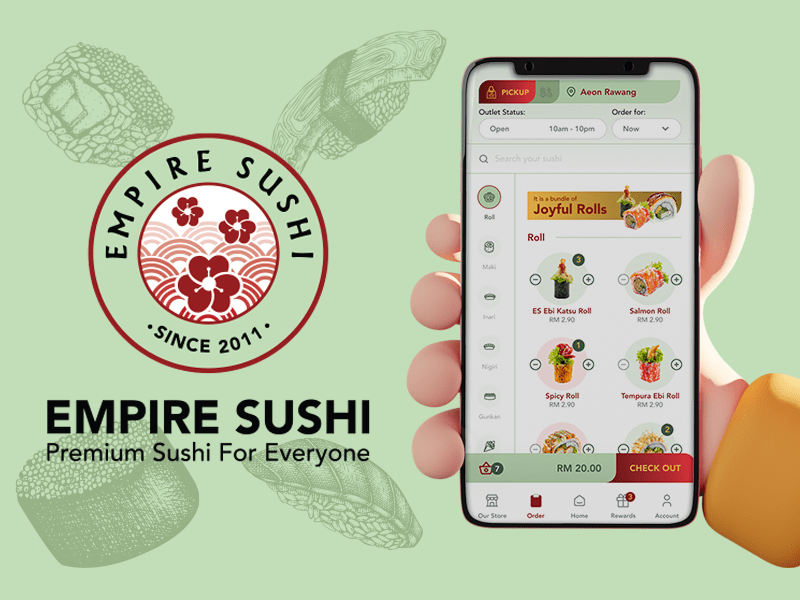
Business Mobile App Development MalaysiaRestaurant orders involve outlet availability, preparation and payment states. Use the following examples to define what the customer and outlet team should see.
Agree modifier choices, unavailable items and which outlet accepts an order. Review changes in price or availability while a customer is building the basket.
Separate a placed order from one accepted for preparation. Decide how the customer is informed when the outlet cannot fulfil it.
Test failed payment, repeated callbacks, cancellation and partial refunds. Agree which system owns the final order and refund status.
Yes. A custom ordering app can use outlet-specific menus, hours and order availability. We need to decide whether customers choose an outlet or are assigned one, and how each outlet receives and accepts an order.
A connection depends on the POS or kitchen system's supported interfaces. We review menu codes, modifiers, payment status and order acknowledgements. If an order cannot reach the outlet, staff need a clear exception process rather than an unnoticed failed transfer.
Outlet rules, menu options, payment integration and the way orders reach the kitchen affect the work. Collection, delivery and loyalty features each add their own requirements. Start with the ordering journey you need for the first release.
Availability should be checked for the selected outlet before an order is accepted. Modifier rules need to distinguish required choices, optional extras and unavailable combinations. Decide whether staff can offer a substitution or must cancel and refund an affected item.
Separate fulfilment rules can account for kitchen capacity, collection slots and delivery areas. Show customers the applicable time before payment and explain whether it is an estimate or a confirmed slot. Staff need a way to stop accepting orders when an outlet cannot fulfil them.