Job Dispatch
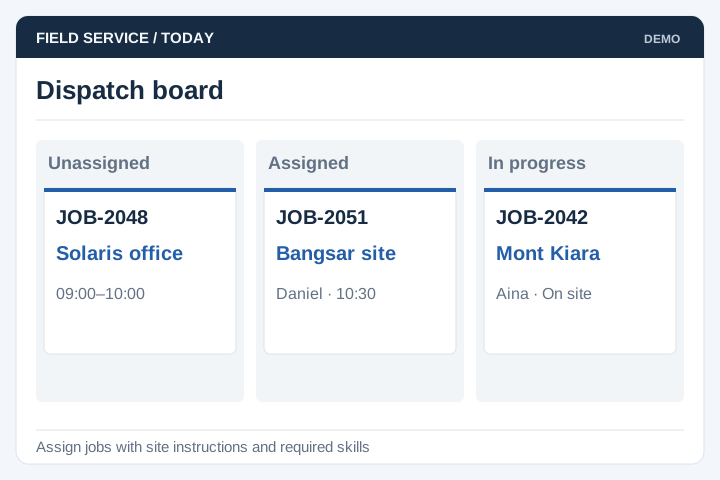
Assign jobs with the site, task details and current status needed by the field team.
Solution
UNO develops field-service apps that connect technicians and mobile staff with office operations. The scope can include job assignment, site information, inspection records and evidence of completed work.
Illustrative interface previews with sample data. Final screens are designed around your requirements.
Assign jobs with the site, task details and current status needed by the field team.
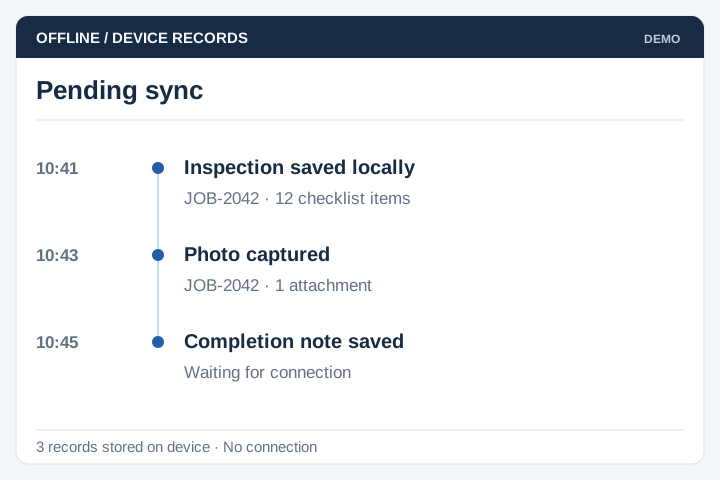
Store agreed records offline and make pending synchronisation visible to the user.
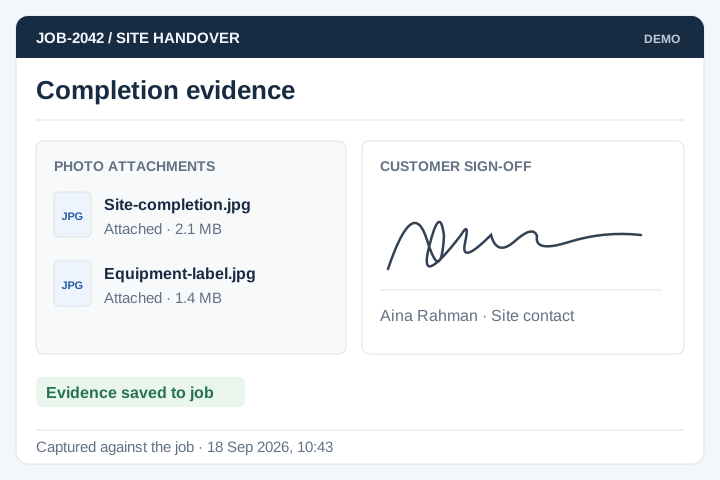
Capture permitted photos and signatures against the relevant job record.
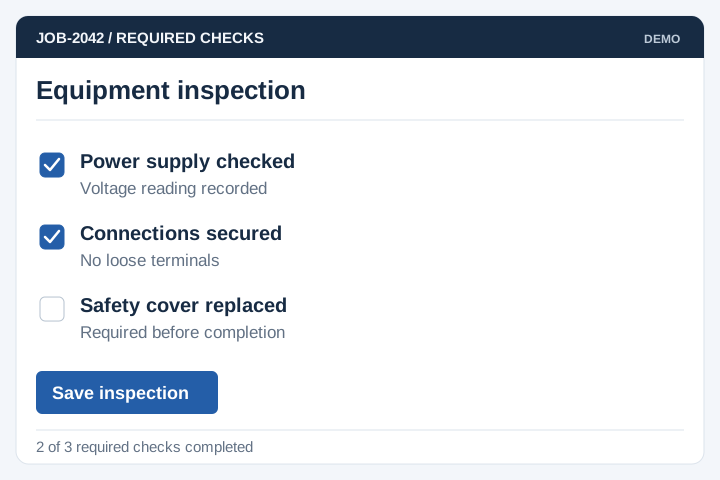
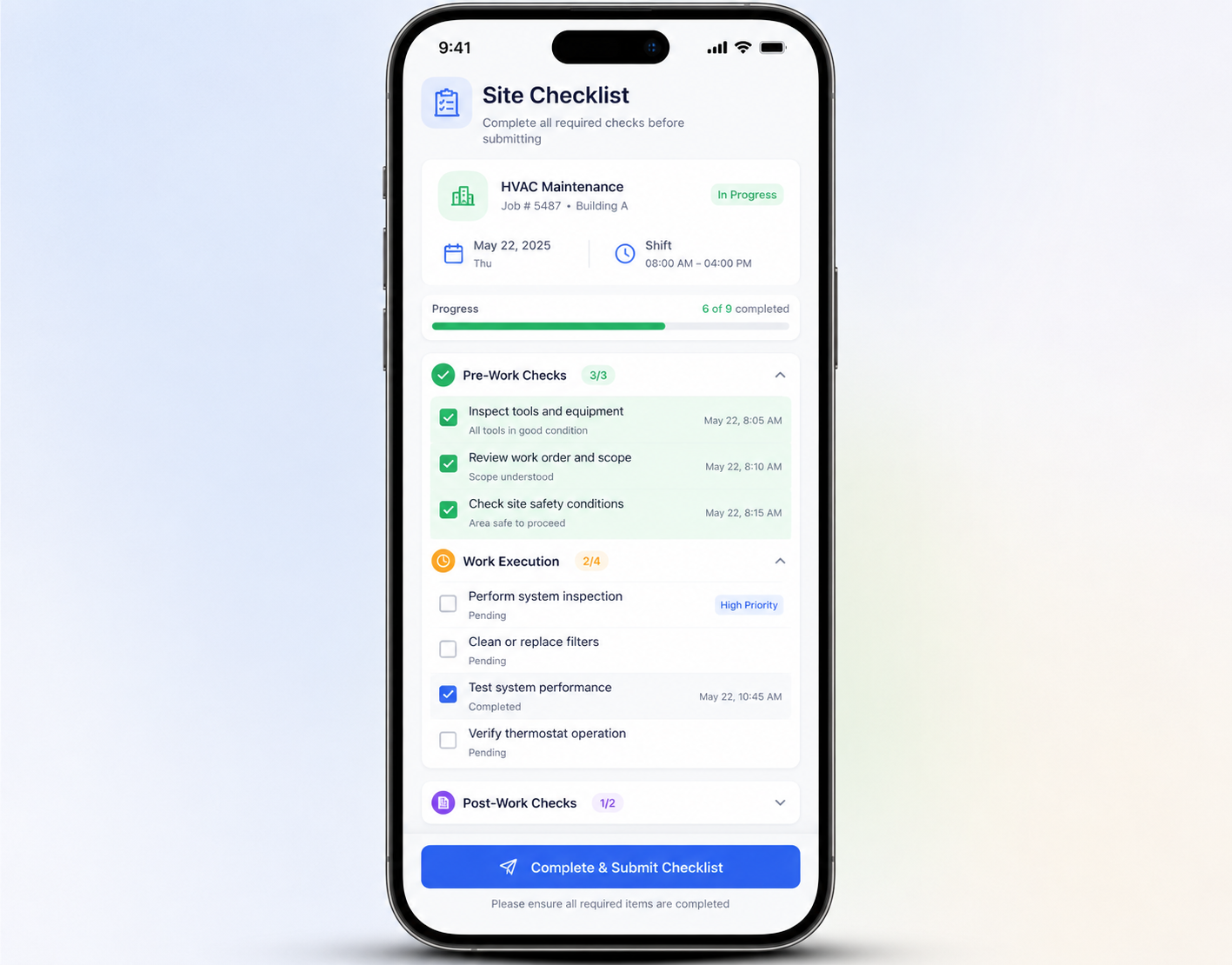
Use structured forms and required fields for inspections and completion checks.
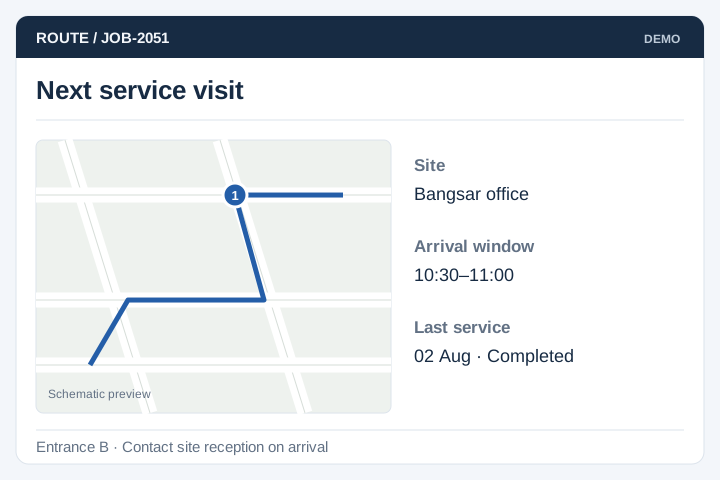
Provide the approved site details and service history needed for the visit.
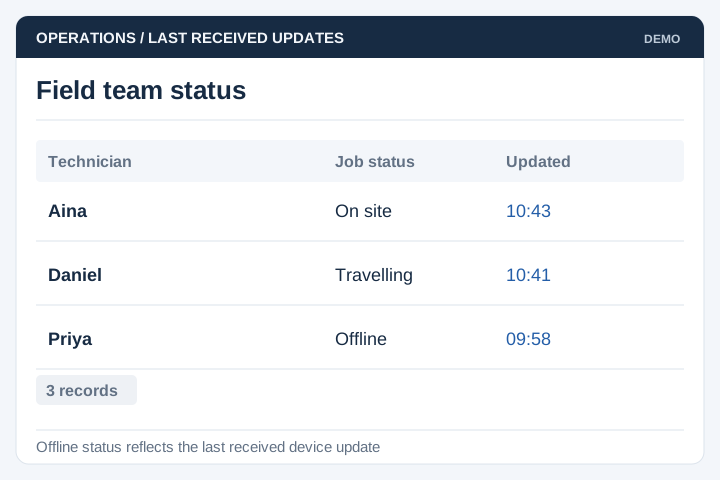
Show office staff the latest received status, including when it was last updated.
Review device use, signal coverage and the evidence needed to close a job. Office staff also need a process for rejected submissions, reassigned work and incomplete synchronisation.
A staged delivery process with agreed scope, review points and acceptance criteria.
Review the current workflow, users, records and systems with the people responsible.
Agree the scope, screen flows, integration approach and acceptance criteria.
Develop and test the agreed workflows, including permissions and exceptions.
Plan rollout, training, handover and the support arrangements for live use.
Plan the work technicians do away from the office, including interruptions. Device permissions and connectivity should be part of the workflow, not assumptions.
Define who assigns a job, what information the worker needs and how a changed appointment reaches the device.
Specify offline tasks, photo requirements and location permissions. Show pending uploads and define how conflicting edits are reconciled.
Decide which completion evidence a supervisor must accept. Keep rejected or incomplete work visible until corrected and agree which reports use the final status.
A mobile workforce app can show assigned jobs, site details and instructions, then capture checklist answers, photos and completion notes. Define the evidence needed to close each job and the records office staff need afterwards. Offline work and supervisor review are separate requirements to agree before development.
Selected records can be stored on the device and uploaded when a connection returns. We need to define which tasks work offline, what happens if two people change the same record and how staff know an upload has succeeded.
A supervisor dashboard can be included for assigning work, reviewing status and following up on exceptions. Assignment rules may depend on area, skills or availability. We agree how changes reach staff and what happens to jobs already in progress.
Location, photos and other completion details can be included where they serve the workflow. Device permissions and poor GPS or network coverage affect what can be captured. The design should show staff what is recorded and provide a way to handle missing or incorrect evidence.
Job-specific forms can be included for inspections, repairs or service visits. Define required answers, conditional questions and the evidence needed to finish each job. Version the checklist so a completed report still shows the questions that applied when the work was done.
The app needs a rule for updates made against an old assignment. It can flag the conflict for review instead of overwriting either person's work. Staff should see which records are waiting to upload and whether an assignment has changed after they reconnect.