CRM Dashboard

Every account, quotation and follow-up in one place, with the numbers on the front page.

Customer information lives in a personal phone, a spreadsheet and an email thread, and none of them agree. A CRM built around your actual sales process keeps the history with the company rather than with whoever handled it.

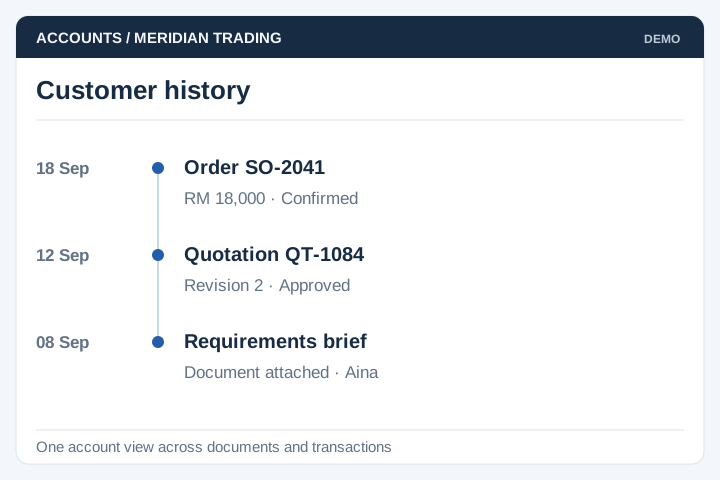
One customer
record
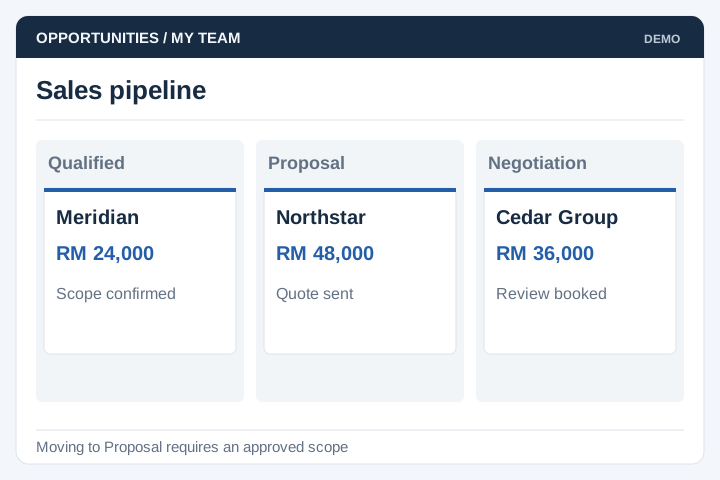
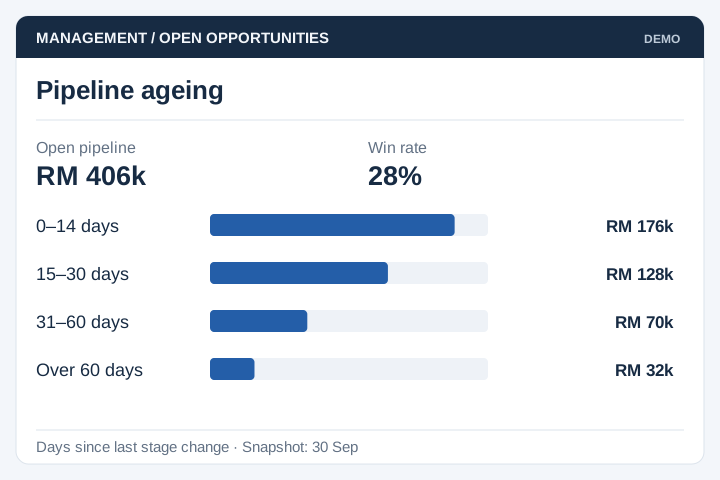
Pipeline
by stage
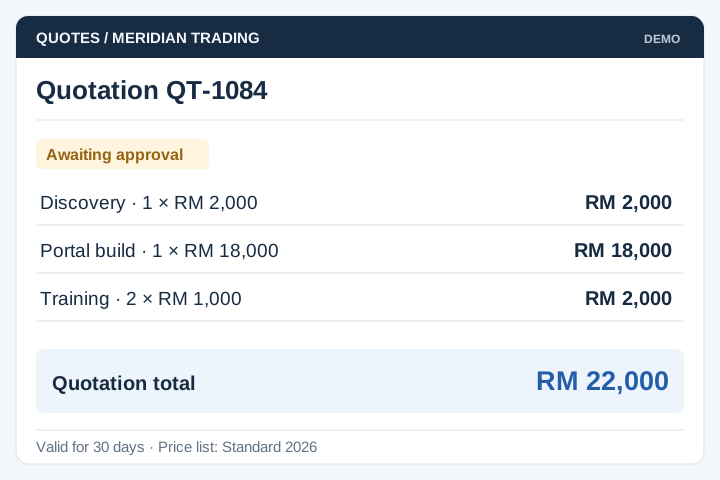
Quotations and
follow-ups
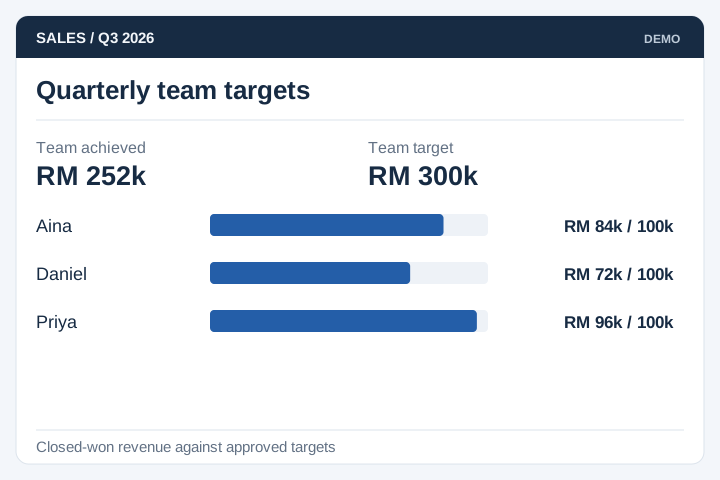
Sales
reporting
Pipeline list showing records with stage, payment status, account and owner, from a CRM built by UNO
Filtered search view across records by type, status, state and authority
Enquiry capturedAssigned to an owner
Quotation sentVersion saved against the record
Follow-up dueNothing sits without a date
The problem

The pipeline exists, but only in people's heads

Most companies do not lose deals because the product was wrong. They lose them because a quotation went quiet for three weeks and nobody was watching.

  • Customer details live in a personal phone, a spreadsheet and an email thread, and none of them agree.
  • When a salesperson leaves, the relationship and the history walk out with them.
  • Nobody can say what is in the pipeline this month without asking every rep individually.
  • Follow-ups depend on memory, so quotations go quiet and no one notices until the quarter ends.
  • The monthly report is assembled by hand the night before the meeting.
Built for sales teams

Businesses whose sales process does not fit the box

A custom CRM earns its place when the record is not simply a lead and a deal — when there are authorities to satisfy, approvals to route, or a quotation that has to survive four revisions.

Project-based businesses

Consultancies, engineering firms and contractors quoting by project and stage.

Distributors & manufacturers

Field sales teams working named accounts across territories.

Professional services

Clients, retainers and renewals, where the relationship outlasts the deal.

Property & development

Leads matched to units, with bookings, documents and approval trails.

Education & training

Enquiries carried through to an intake, with follow-up before enrolment closes.

Government-facing suppliers

Tenders and submissions tracked by authority, with status and document history.

Be careful here. If your sales process is a standard one, an off-the-shelf CRM will be cheaper and quicker than anything we build, and we will say so.

Custom pays off when the shape of the work does not fit — approvals that route to a committee, records tied to authorities or projects rather than deals, or a system that has to exchange data with something you already run.

From enquiry to reported revenue

How a record moves through the system

Six steps. Step four is the one that changes results — every open record carries a next action and a date, and the dashboard shows what has gone past it.

Capture

Enquiries from the website, a form, a call or a rep all become one record.

Qualify

Given an owner, linked to the account and the contact behind it.

Quote

Quotation raised against the record, with versions and approval where needed.

Follow up

A next action with a date on it. Anything overdue surfaces on the dashboard.

Won or lost

Outcome recorded with a reason, and the history stays searchable either way.

Report

Pipeline, conversion and revenue read straight off the same records.

The reason a report can be trusted is that nobody types it. If the numbers come from the same records the team works in every day, the monthly meeting stops being an exercise in reconciliation.

Core modules

Main modules and functions

Most teams start with accounts, contacts and the pipeline, then add quotations and reporting once people are genuinely working in the system every day.

Accounts & contacts

Companies with several contacts and roles, linked records, and one history per account.

Pipeline & stages

Your stages rather than a vendor's, with value, probability and age in stage.

Quotations

Templates, revisions kept side by side, and approval when a discount passes a limit.

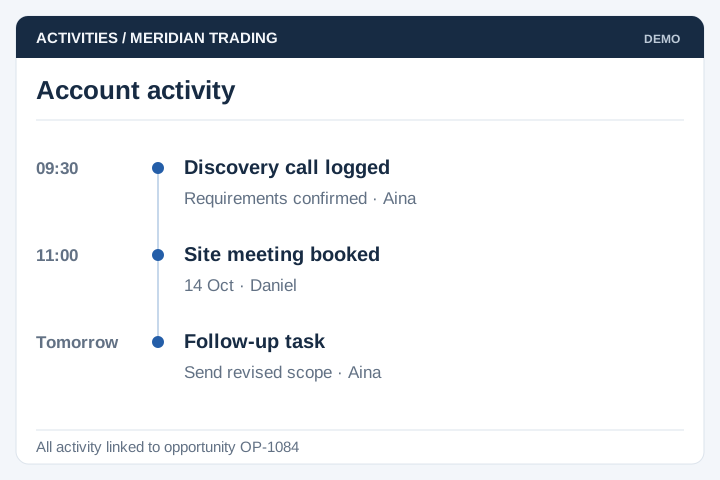
Activities & follow-ups

Calls, meetings and next actions with dates, plus reminders for what has gone overdue.

Documents & notes

Quotation files, contracts and site photos attached to the record, with an audit trail.

Dashboard & reports

Pipeline by stage, conversion, revenue by rep, product or territory, exported when needed.

Teams & permissions

Territories and roles, who can see whose accounts, and what a manager sees across the team.

Correspondence log

Emails and messages attached to the record, so the thread survives a handover.

Integration

Website enquiry forms in, accounting or ERP out, and whatever else already holds the data.

Record detail showing account, authority, quotation upload, status, payment status and remarks
From a live build

Screens from a system we built

From DataPintar, where every authority, consultant and project is tracked from first enquiry through quotation to payment. More work like this in the web application portfolio. Contact names and addresses have been obscured.

List of records with stage, payment status, account, authority and date created
Pipeline list Every record with its stage and payment status, filterable by date, owner and account.
Record detail with account information, quotation upload, status controls and remarks
Record detail Account, contact and documents in one view, with status and remarks updated in place.
Account creation form with company information, registration number, credit term and address
Account setup Company details, registration numbers and credit terms captured once, then reused.
Filtered search across records by type, year, state, authority and category
Search & filters Find records by the fields that matter to your business, not by a generic keyword box.
Implementation

Typical implementation

Six stages. With a CRM the build is rarely the hard part — getting the team to work in it is, which is why the last stage is longer than it looks.

Scoping workshop

Sessions with the reps as well as the sales manager. We write down the process as it is actually followed, not the one on the org chart.

Output: stages, fields and approval rules

Customer data audit

Every list gets pulled together — spreadsheets, the old system, contacts in phones — and checked for duplicates and unclear ownership.

Output: merged list with owners assigned

Design & sign-off

Screen-by-screen design of the record, the pipeline and the dashboard, reviewed with the people expected to update it daily.

Output: signed-off screens, build schedule

Build in stages

Accounts, contacts and the pipeline first, so the team can start logging real deals before quotations and reporting are finished.

Output: test system, updated fortnightly

Migration & UAT

Real accounts loaded, then the team runs a live week in parallel with whatever they use today, so gaps show up before the old system is switched off.

Output: migration report, signed UAT

Launch & adoption

Training, then a weekly pipeline review run off the system. That routine is what makes people keep records current.

Output: live CRM, SOP, support window
Timeline

About four months to build, longer to embed

For a team of ten to fifty with quotations and approvals. A simple pipeline with no quotation logic is closer to eight weeks.

Month 1Month 2Month 3Month 4
Scoping workshop
Customer data audit
Design & sign-off
Core build
Quotations, reports, permissions
Migration & parallel run
Launch & adoption

A CRM only works if the sales team uses it, and no software solves that on its own. Budget for the manager routine — a weekly pipeline review taken off the system rather than off a spreadsheet — because that is what keeps the records honest.

Client feedback

From a client we built a customised CRM for

It was great to work with UNO.com.my in driving our summit participant experience through digital transformation. The dedication of UNO's team to our customised CRM system for Selangor International Business Summit is evident in all aspects of the system and their willingness to provide prompt attention to the project. We appreciate their effort in enabling the CRM system to go live as scheduled, despite a tight deadline.
Hui Min Selangor International Business Summit