Third-party Integration
Connect existing platforms through their supported APIs and agreed vendor access.
API & System Integration Services Malaysia
Connect your platforms. Keep your operations in step.
Bring customer records, orders, payments and delivery updates together, with clear rules for how information moves.
Discuss Your Integration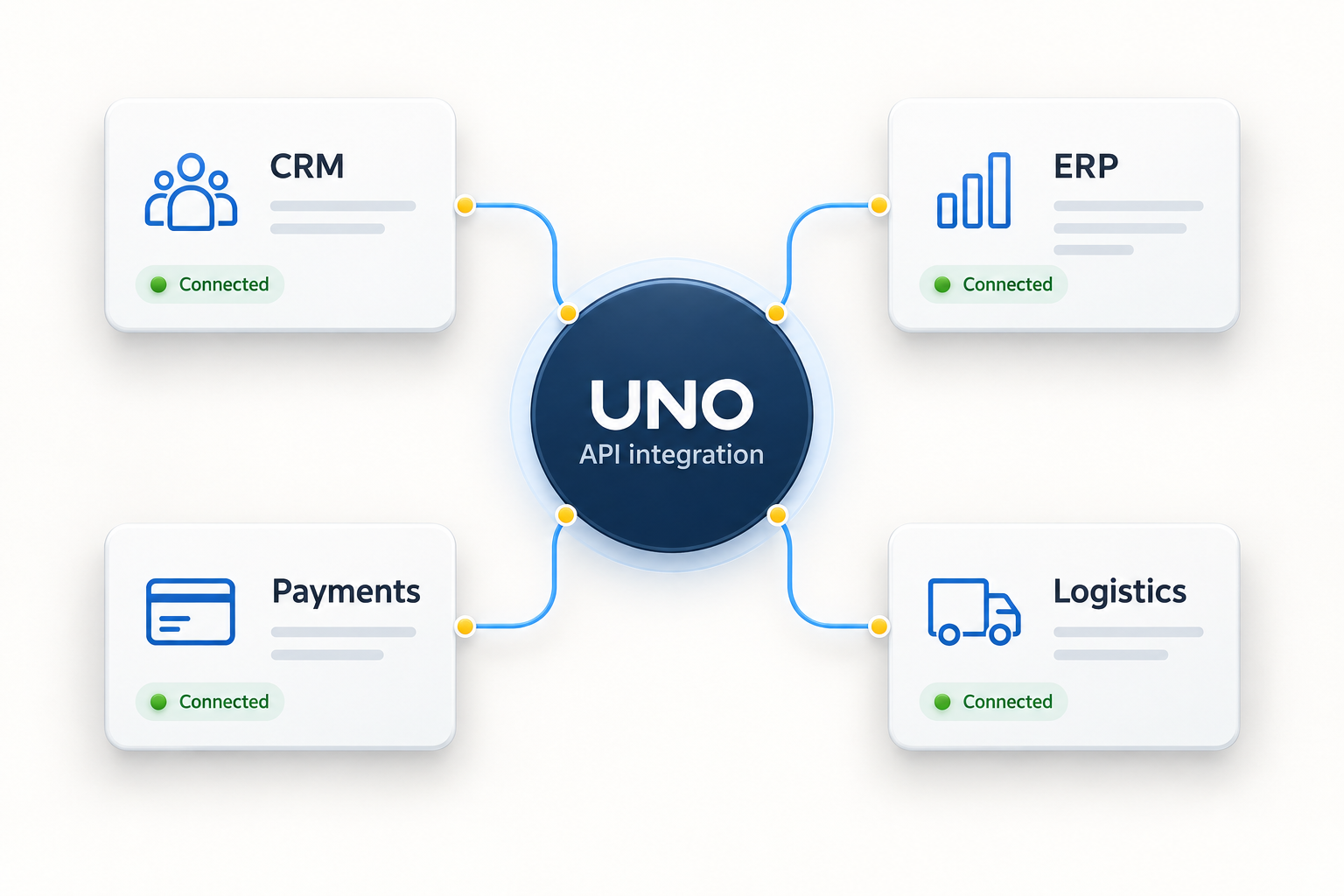
Start with the records your teams share and the work they repeat. We define the connection, the update rules and who handles exceptions.
Connect existing platforms through their supported APIs and agreed vendor access.
Build interfaces that let your applications exchange the records your business needs.
Map fields, control updates and handle duplicate or conflicting records.
Test permissions, failed transfers and recovery before the integration goes live.
ONE CONNECTED OPERATION
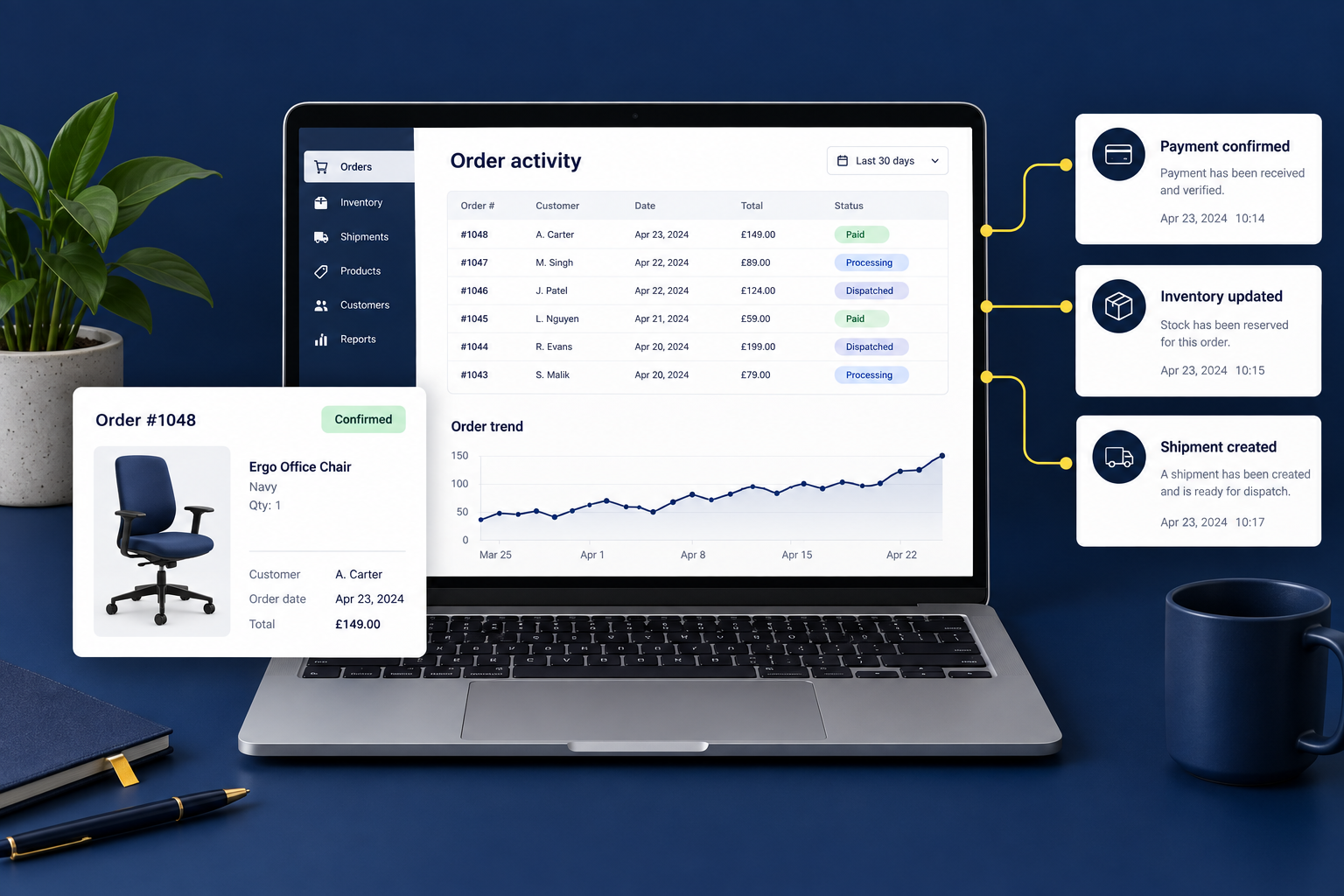
Connect the steps from a confirmed payment to stock allocation and dispatch. Give each team the records it needs without repeated data entry.
We review API documentation, account access and supported functions before confirming the integration scope.
Transaction status, refunds and reconciliation.
Shipment creation, labels and tracking updates.
Customer, order, stock and accounting records.
Examples of platforms to discuss. Available connections depend on provider APIs, your account plan and technical review.

Decide which system owns each record, when it updates and what happens when something fails.
Move agreed records between systems without rekeying them.
Align identifiers, field formats and update rules.
Log failed transfers and define how your team recovers them.
Agree the scope, test real scenarios and prepare the team responsible for the live connection.
Review your workflow, systems and API access.
Agree data ownership, field mappings and exception rules.
Develop and test transfers, permissions and recovery.
Release, monitor and hand over operating guidance.
An API integration lets systems exchange records without staff copying the same information between them. For example, an online order can create a record in an accounting system, or a delivery status can appear in a customer portal. UNO develops the connection around the records and rules each process needs.
We can assess those connections using the providers' API documentation and your account permissions. An available API does not always expose every function. Before confirming scope, we check the required records, usage limits, test access and any vendor charges.
A supported import, export or scheduled file exchange may be enough. Direct database access needs a separate review because it can bypass the software's own rules. If no supported connection exists, we will explain the limitation before proposing an alternative.
The integration needs a record of each transfer, a retry process and a way for staff to resolve exceptions. Orders and payments also need duplicate checks so retrying a request does not create a second transaction. We agree alerts and recovery responsibilities during design.
The number of systems is only part of the scope. Data mapping, authentication, update frequency, error handling and test access all affect the work. Good documentation and a responsive software vendor make it easier to confirm what can be delivered.
Webhooks are useful when the source system can notify another system about a change. Scheduled updates suit systems that only support periodic retrieval or batch exports. The choice depends on supported interfaces, usage limits and how quickly the receiving team needs the record. Some workflows need both.
Useful starting items are current API documentation, a test account, sample records and a contact at the software provider. Confirm that the account can perform the required actions, not just read a list of records. Test credentials should be shared through an agreed secure channel.
LET'S BUILD A MORE CONNECTED BUSINESS
Tell us which systems you use and where work gets held up.