Clinic & Patient Portal

Appointments, records and results in the patient's hand — and one queue for the clinic.

The phone line is busiest exactly when patients want to book, and the records they ask about sit in a cabinet behind the counter. A patient portal moves the routine requests off the front desk and gives clinicians one history to work from.

Online
appointments
One patient
record
Results and
reports
Reminders
and recalls
Patient app home screen with upcoming appointments and health screening reports, from a portal built by UNO
Appointment listing screen showing clinic, date, contact and notes
Appointment bookedWithout calling the front desk
Report releasedVisible to the patient when ready
Recall dueSix-month review invitation sent
The problem

The front desk is doing work the system should do

Clinics rarely have a clinical problem here. They have an administrative one: the same handful of requests arriving by phone, all day, every day, from people who would happily do it themselves.

  • Appointments are taken by phone, so the line is engaged at exactly the hours patients try to call.
  • Records sit in a cabinet and in two or three systems, and nobody sees the whole history at once.
  • Results are collected in person or read out over the phone, which takes a call each time.
  • No-shows are discovered when the slot goes quiet, not before.
  • Follow-up reviews and annual screenings depend on somebody remembering to chase them.
Built for practices

Practices with repeat patients and more than one diary

The value shows up wherever the same patient comes back: the history is worth keeping, the recall is worth automating, and the front desk is worth protecting.

GP & family clinics

Walk-ins alongside booked slots, with panel patients and their own billing rules.

Specialist & dental

Appointments held against a practitioner and a chair or room, with treatment plans.

Aesthetic & wellness

Course-based treatments drawn from a package, with before-and-after records.

Screening & diagnostics

High volume, report-heavy work where results release is most of the service.

Physiotherapy & rehab

Recurring sessions across weeks, where missed appointments break the programme.

Multi-branch groups

One patient record across branches, so a visit anywhere sees the same history.

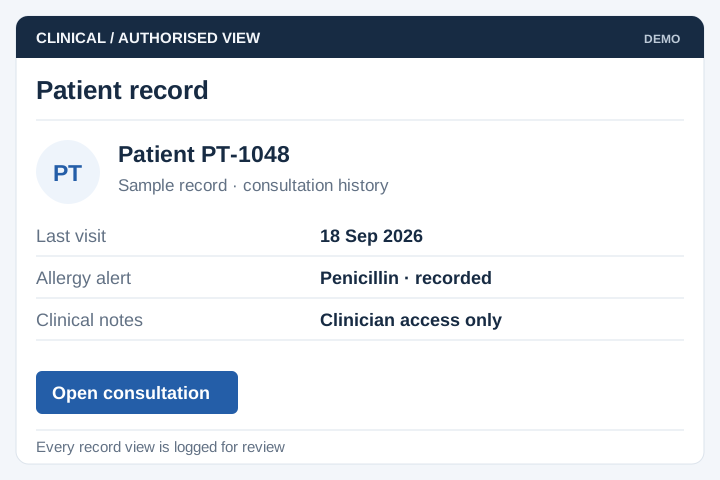
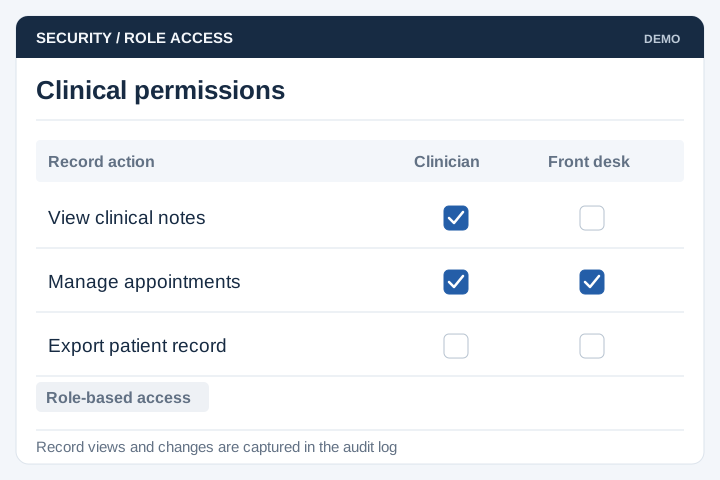
Patient data changes the build. Access control, an audit trail on every record view, retention rules and explicit consent are not extras here — they are part of the specification from day one, and they are why a clinic system costs more than a booking system that looks similar.

If you are a single practitioner with a receptionist and a paper diary, a booking tool and good filing will serve you. The portal earns its place once there are several practitioners, branches, or results to hand back.

From registration to recall

How a patient moves through the system

Six steps. The last one is the one clinics notice in revenue — recalls that used to depend on memory now go out on their own.

Register

Patient registers once, with identification, contact details and consent recorded.

Book

Picks a practitioner, branch and slot from live availability, or is booked at the counter.

Remind

Confirmation and a reminder before the day, each with a link to reschedule.

Consult

The clinician opens one history. Notes, prescriptions and referrals attach to the visit.

Results

Reports and documents released to the patient's portal once a clinician approves them.

Recall

The next review is scheduled and the invitation goes out when it falls due.

Results are released deliberately, not automatically. A clinician decides what a patient sees and when, because a report landing on a phone without context is worse than a phone call.

Core modules

Main modules and functions

Most clinics start with patient records and appointments, then add the patient-facing portal once the internal side is running cleanly.

Patient records

Demographics, identification, next of kin, allergies and history, with duplicate detection.

Appointments

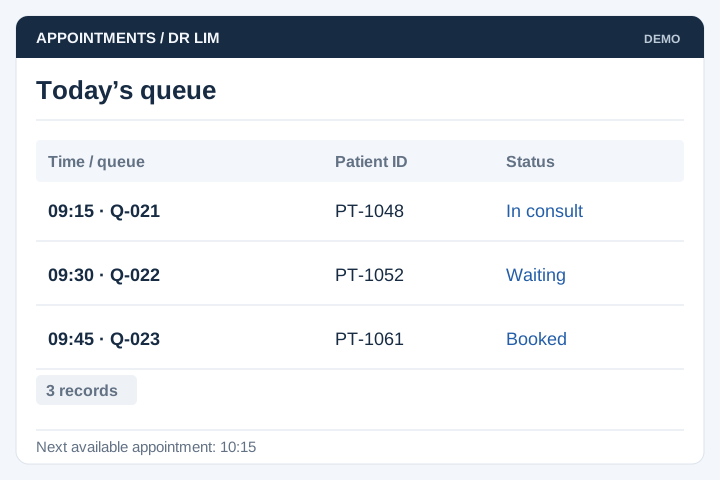
Per practitioner, room and branch, with walk-in queueing alongside booked slots.

Consultation notes

Visit notes, diagnoses, prescriptions and referral letters recorded against the visit.

Results & documents

Lab reports, imaging and screening results, held until a clinician releases them.

Medication & vaccination

Current medication list and a vaccination record with dose, batch and date.

Billing & panel claims

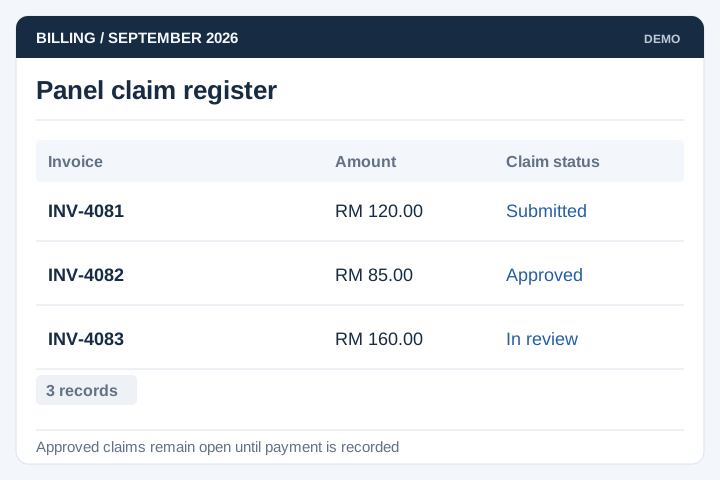
Invoices and receipts, panel and insurance claims, deposits and package balances.

Reminders & recalls

Appointment reminders, review recalls and screening invitations on your own schedule.

Patient portal

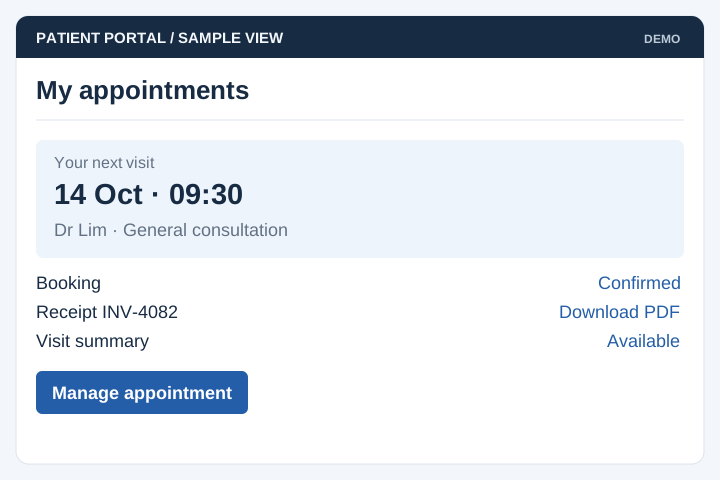
Book, reschedule, view released reports, download documents, update contact details.

Access control & audit

Role-based access by clinician, nurse and front desk, with a log of every record opened.

Medical history screen showing check-up notes, vitals and downloadable test reports
From a live build

Screens from a patient app we built

From the Southern Health patient app, where patients see their appointments, medication and vaccination records and their own medical history. The full story is in the clinic healthcare case study.

Patient home screen with quick actions, upcoming appointments and screening reports
Patient home Next appointment and latest reports on the first screen, with nothing to search for.
Appointment listing with clinic name, date, contact number, address and notes
Appointments Each booking carries the branch, the address and the notes the patient needs beforehand.
Medical history with vitals from a full check-up and downloadable blood and urine test reports
Medical history Vitals from each visit, with the underlying reports downloadable as documents.
Allergy history showing reaction, severity, first and last occurrence and clinical notes
Allergy record Reaction, severity and last occurrence kept where any treating clinician can see it.
Implementation

Typical implementation

Six stages. A clinician has to be in the room for the first and the fifth, or the system ends up describing a workflow nobody follows.

Scoping workshop

With the front desk, a nurse and a clinician. We map the patient journey as it runs today, and settle who may see what.

Output: workflow, roles and consent model

Patient data audit

The existing patient list is checked for duplicates, missing identification and records held in more than one place.

Output: clean-up list and migration plan

Design & sign-off

Screen-by-screen design of the counter, the consultation room and the patient app, reviewed with the people who use each.

Output: signed-off screens, build schedule

Build in stages

Records and appointments first, so the clinic runs on the system before the patient-facing portal opens.

Output: test system, updated fortnightly

Migration & UAT

A full clinic day is rehearsed on the test system — walk-in, booked patient, panel case, result release, a recall falling due.

Output: migration report, signed UAT

Launch & handover

One branch first, then the rest. Training for the counter, and a written SOP for the daily open and close.

Output: live system, SOP, support window
Timeline

About four months, longer with a lab or panel link

For a practice with several clinicians and a patient app. Records and appointments alone, one branch, is closer to ten weeks.

Month 1Month 2Month 3Month 4
Scoping workshop
Patient data audit
Design & sign-off
Core build
Portal, results, recalls
Migration & UAT
Launch by branch

The variable is what the system has to talk to. A standalone clinic system stays inside four months; linking to a laboratory information system or a panel claims gateway usually adds a month, most of it spent waiting on the other side's documentation and test access.

Client feedback

From a healthcare client we've worked with

We are delighted to have launched our web-based tool to help doctors and cancer patients make decisions about genetic testing. Thank you, UNO, for helping to bring our idea to life! The team has been attentive and provided constructive suggestions during the development. All queries were handled in an efficient and professional manner. Amazing effort indeed!
Yong Quan Cancer Research Malaysia